Hermes Agent Masterclass — Full Tutorial
Everything you need to install, understand, and customize Hermes Agent: the learning loop, memory, self-evolving skills, the Curator, GEPA, Profile Builder, and three isolated agents on one machine.
Official: hermes-agent.nousresearch.com/docs · Inspired by: Daily Dose of Data masterclass (Avi Chawla, May 2026)
This guide matches our OpenClaw masterclass format: prose and lists only (no comparison tables in the body), plus terminal and diagram GIFs.
What you'll have at the end
- Hermes installed with provider, model, and optional Telegram gateway
- Profile Builder dashboard at
http://127.0.0.1:9119with the[web]extra - Three profiles:
designer,programmer,researcher— each isolated - Distinct SOUL.md per profile, MCP servers, and Skills Hub installs
- Programmer delegating to Claude Code; researcher on weekday cron
Introduction — an agent that gets better over time
Hermes ships a learning loop most assistants lack:
- Multi-tier memory across sessions
- Self-authored skills via
skill_manage - Curator background pruning of agent-created skills
- Optional GEPA offline validation from execution traces
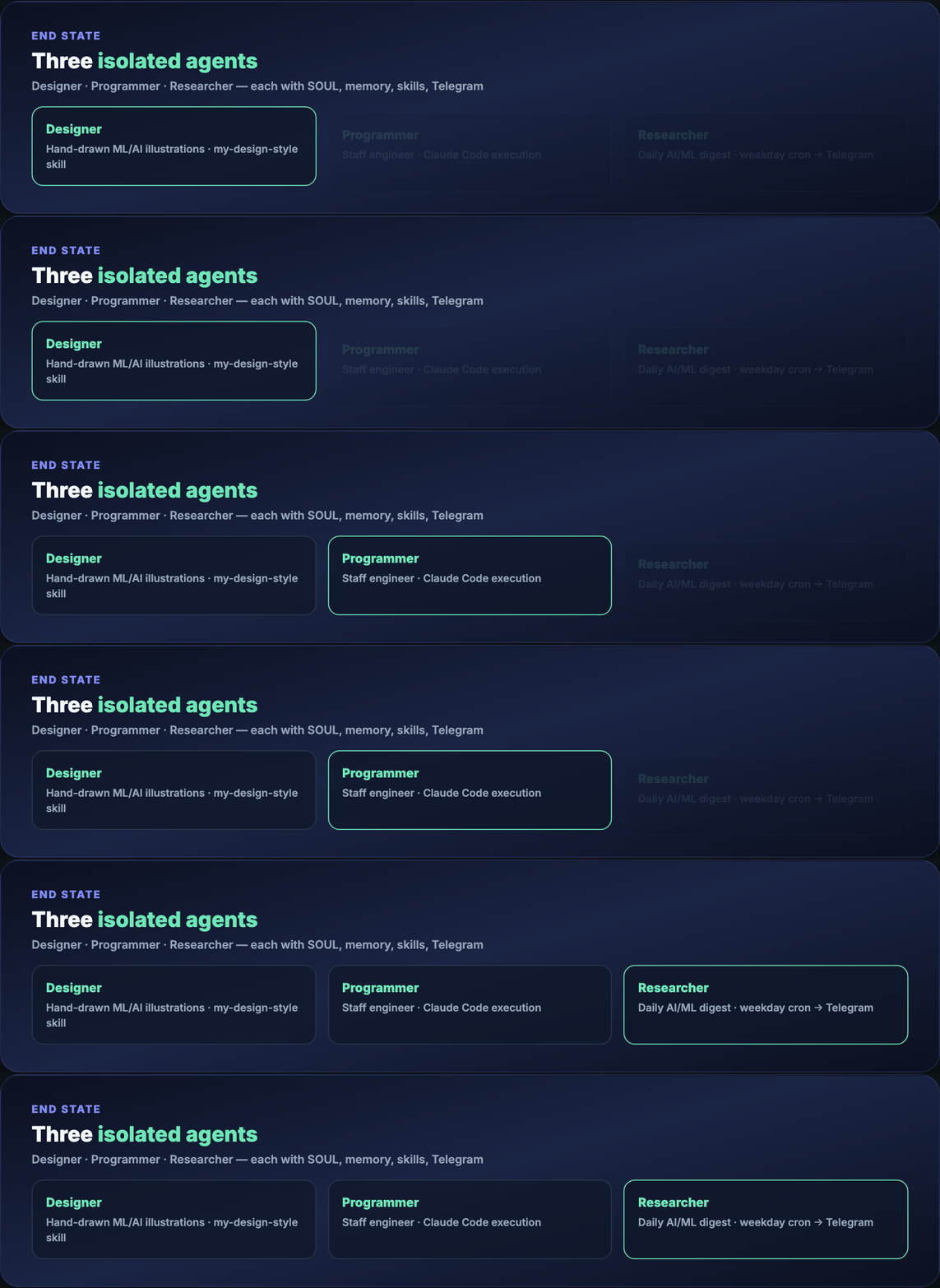
By the end you run three specialized agents on one machine — designer, programmer, researcher — each with its own personality, memory, skills, and Telegram bot.
One-GIF overview (blog hero): mega-hermes-everything.gif — full masterclass story in ~10 seconds.
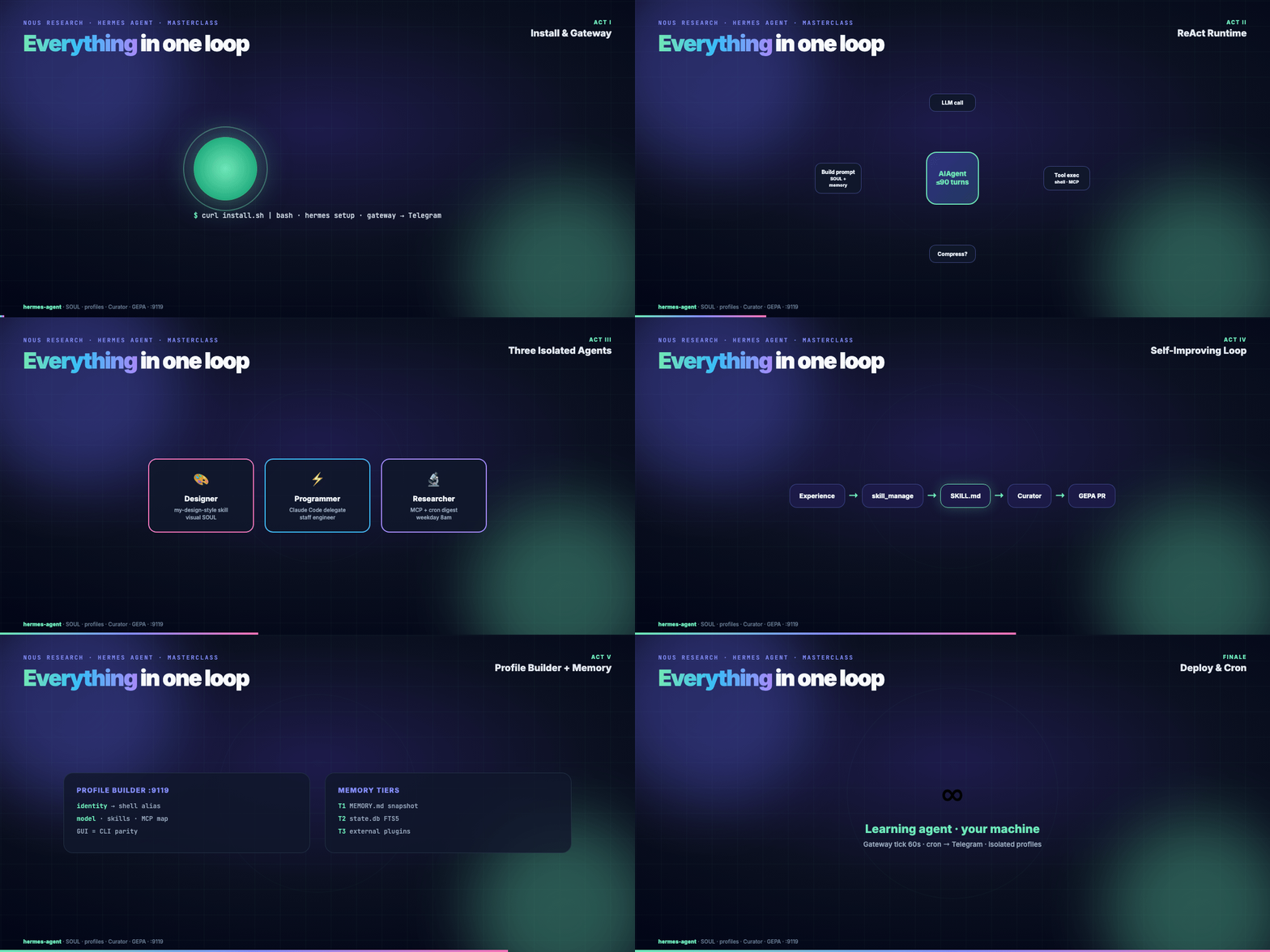
Part 1 — How Hermes is structured
One-line pitch: an agent that improves the longer you use it.
Hermes combines runtime skill learning, persistent memory, and an optional weight-training pipeline in one framework. Everything flows through a single AIAgent class in run_agent.py. CLI, gateway, batch runner, and IDE hooks are entry points into the same core.

The loop is ReAct-style and synchronous:
- Build system prompt (SOUL → memory snapshot → skills catalog)
- Compress context if needed
- Interruptible LLM call
- Execute tool calls
- Repeat until done or 90-turn cap (subagents share the budget)
Execution backends include local shell, Docker, SSH, Modal, Daytona, and Singularity — switch via config only. A translation layer routes Anthropic, OpenAI, Gemini, Ollama-compatible, and other providers.
OpenClaw comparison (prose): Hermes packages a gateway around a learning agent; OpenClaw packages an agent around a messaging gateway. Full side-by-side: Hermes vs OpenClaw · OpenClaw masterclass.

Part 2 — Prerequisites
- macOS, Linux, WSL2, or Windows
- Python 3.11+ (Hermes installer bundles
uvand deps) - API key or local model endpoint
- 8GB RAM minimum for API-based usage
- Browser on the same machine for Profile Builder
Part 3 — Install Hermes
Headless VPS (skip browser deps):
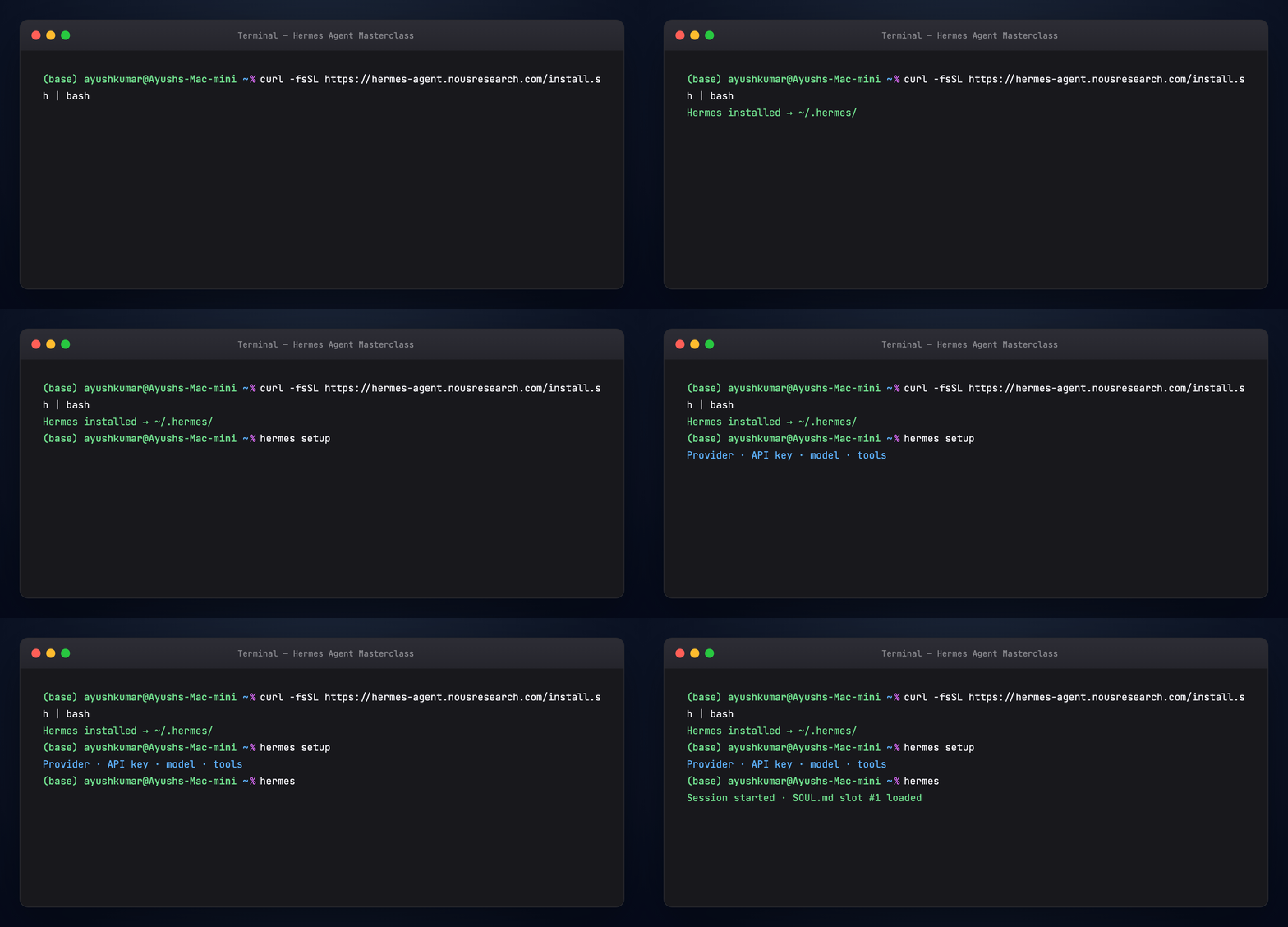
Windows: Hermes Desktop installer or install docs.
Part 4 — Setup, chat, and gateway
Run the wizard:
Connect Telegram (fastest phone test):
- @BotFather →
/newbot - @userinfobot for your user ID
hermes gateway setup
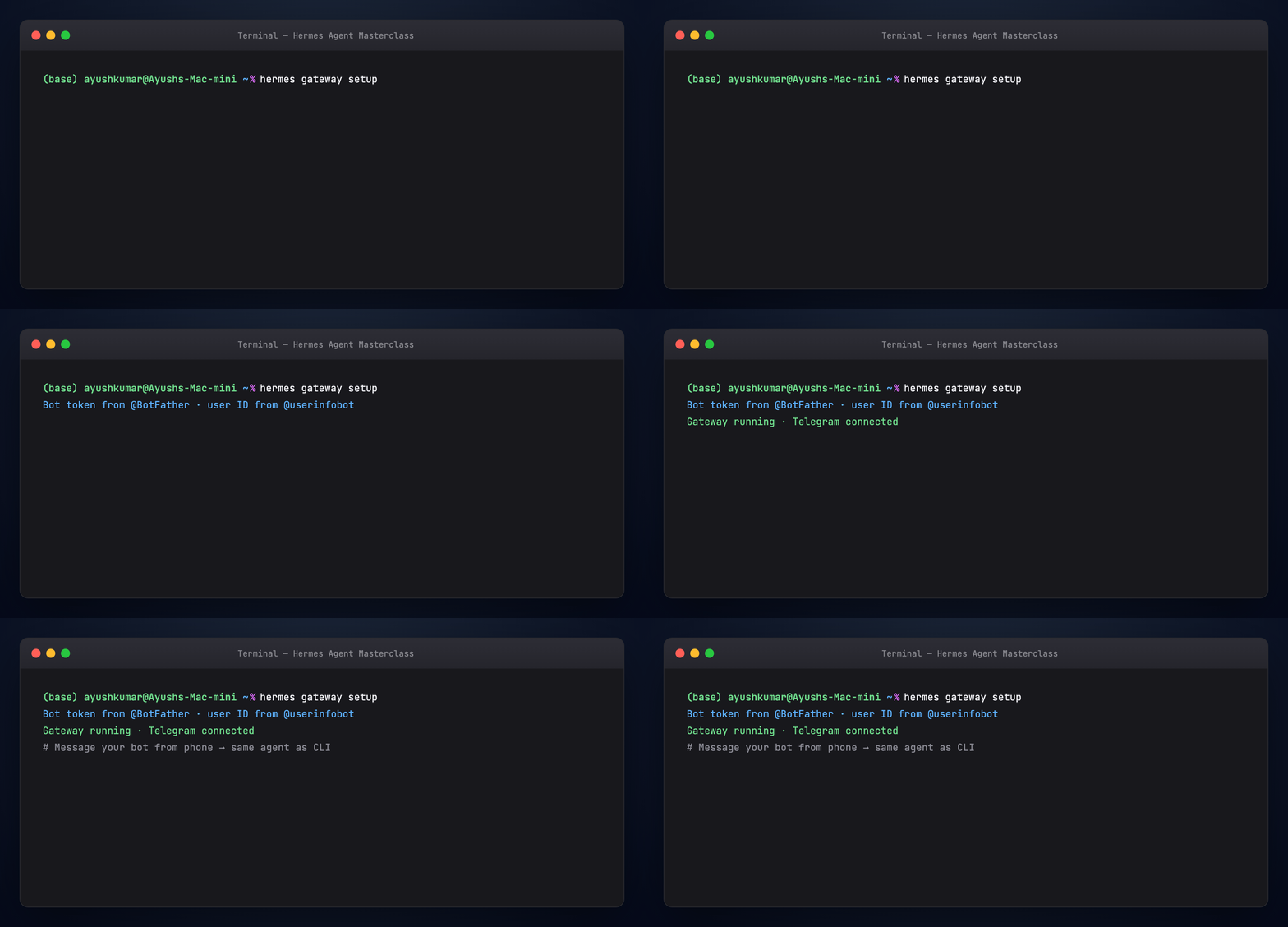
Part 5 — Identity: SOUL.md
Memory = what the agent knows. Skills = how it acts. SOUL.md = who it is — slot #1 in the system prompt, before memory and skills.
Default path: ~/.hermes/SOUL.md. Per profile: ~/.hermes/profiles/<name>/SOUL.md.
# SOUL.md

You are a pragmatic senior engineer with strong taste.
You optimize for truth, clarity, and usefulness
over politeness theater.
Hand-authored and mostly static. All learning — memory writes, skill creation, consolidation — happens through this identity lens.
Part 6 — Memory (three tiers)
Hermes uses three layers, not one blob:
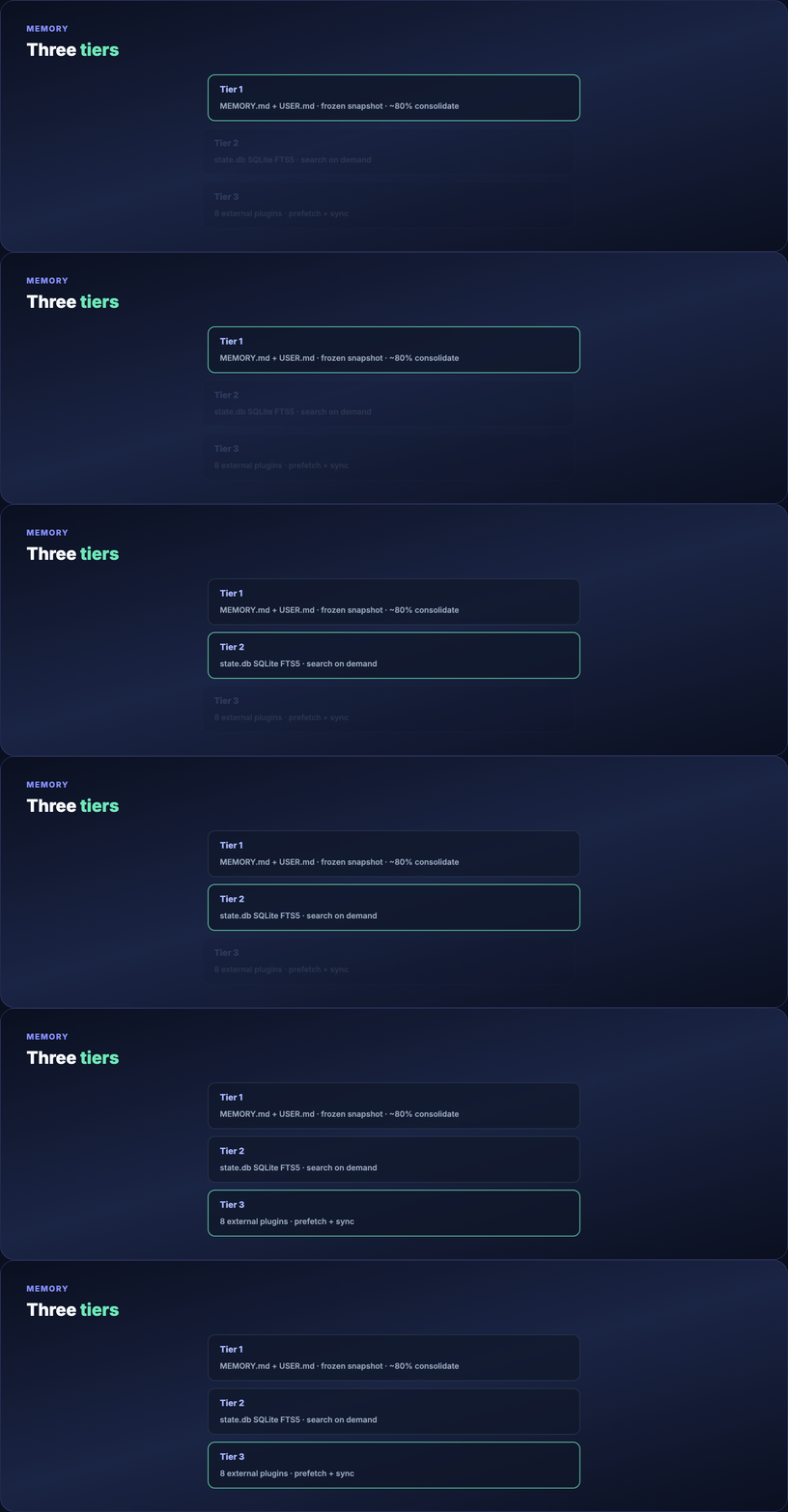
Tier 1 — tiny Markdown files
MEMORY.md(~2,200 chars) — environment, conventions, tool quirksUSER.md(~1,375 chars) — your preferences and avoid-list
Injected as a frozen snapshot at session start. Mid-session writes persist to disk but appear in the prompt next session. At ~80% capacity, the agent consolidates entries.
Tier 2 — session search
All conversations live in state.db (SQLite + FTS5). Search weeks of history on demand. Unlimited capacity, but requires search + summarization.
Tier 3 — external plugins
Eight pluggable memory providers run alongside built-in memory (never replace it). Only one active at a time. When enabled: prefetch before each turn, sync after each response, extract on session end.
Part 7 — Self-evolving skills and the Curator
Skills are SKILL.md + YAML frontmatter — procedural memory. Sample anatomy: examples/skill-k8s-pod-debug.md.

Progressive disclosure: catalog descriptions only (~3k tokens) → full skill when matched → optional references/ drill-down.
Self-improvement loop: the agent uses skill_manage after complex tasks, error recovery, user corrections, or new workflows. Actions: create, patch (preferred), edit, delete, write_file, remove_file.
Curator prunes agent-authored skills (never bundled/Hub skills):
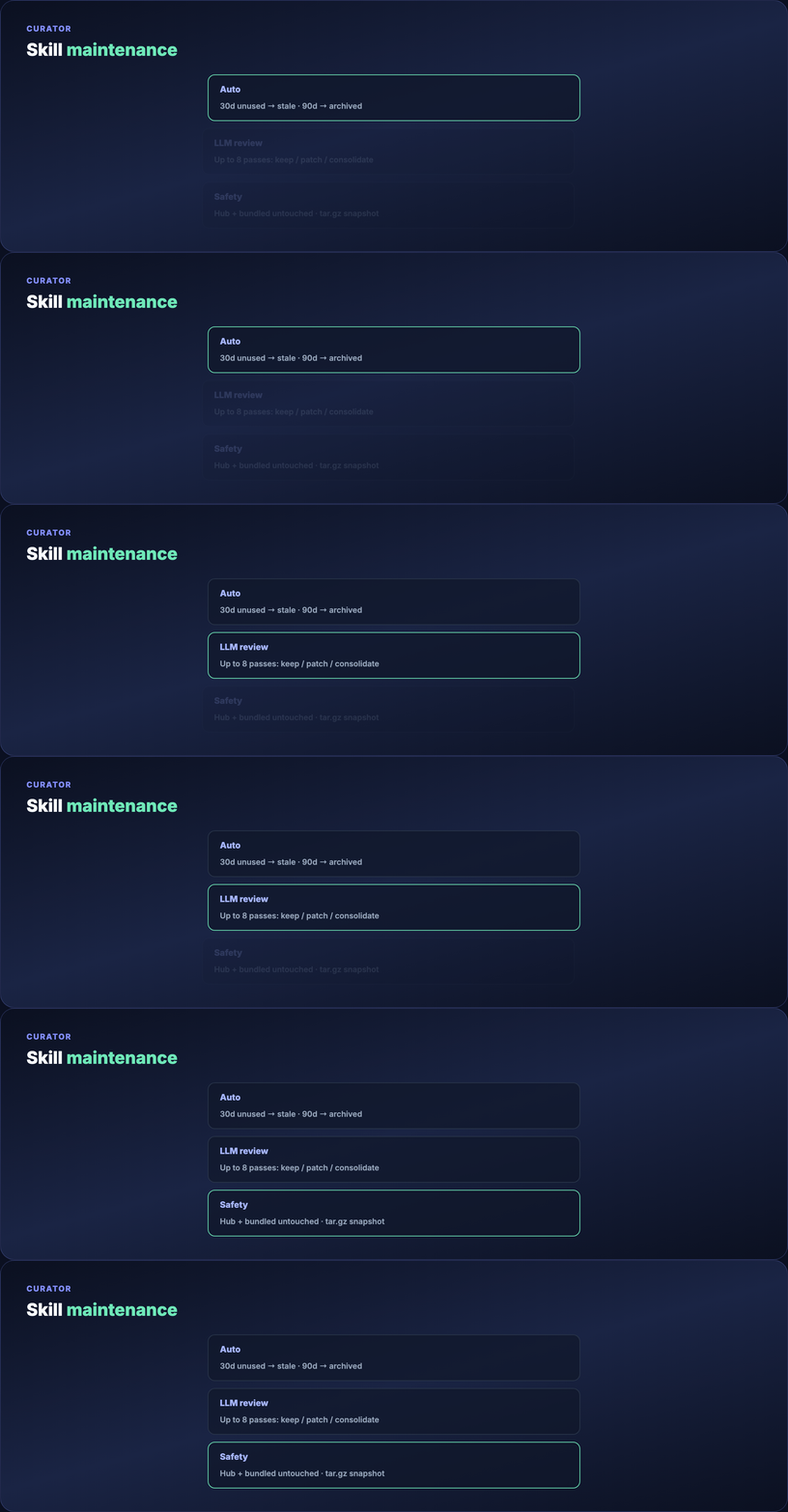
Runs after 7 days since last pass and 2+ hours idle — background fork, separate prompt cache. Automatic: 30 days unused → stale; 90 days → archived. LLM review: up to 8 iterations per skill. Snapshot before each pass; hermes curator pin <skill> protects favorites.
Part 8 — GEPA (offline skill evolution)
In-agent learning can self-congratulate or overwrite good manual edits. GEPA (Genetic-Pareto Prompt Evolution) in hermes-agent-self-evolution validates skills offline from execution traces.

Read skill → build eval set → trace analysis → candidate variants → LLM-as-judge rubrics → gates (100% tests, <15KB, no drift) → PR only, never direct commit. Roughly $2–10/run, no GPU. Skip until you hit a wall before full finetuning.
Chain: SOUL.md → runtime loop → Curator → GEPA validates.
Part 9 — What's inside ~/.hermes/
~/.hermes/
├── config.yaml
├── .env
├── SOUL.md
├── memories/          # MEMORY.md, USER.md
├── skills/
├── profiles/          # isolated agents (see Part 11)
├── sessions/
├── state.db
├── cron/
└── logs/
Edit config.yaml with hermes config edit or hermes config set. Secrets go to .env. Skills land under skills/ or per-profile profiles/<name>/skills/.

Part 10 — Skills Hub
Official Skills Hub: hundreds of skills across built-in, optional, Anthropic, and LobeHub catalogs (counts change upstream).
hermes skills tap add yourname/your-skills-repo
hermes skills install yourname/your-skills-repo/<skill-name>
hermes skills install openai/skills/k8s
Ecosystem depth: Awesome Hermes Agent.
Part 11 — Profile Builder (web dashboard)
Profiles are isolated Hermes homes under ~/.hermes/profiles/<name>/ — separate config.yaml, .env, SOUL.md, memory, sessions, skills, cron, and state. A coding agent and a research agent never share state.
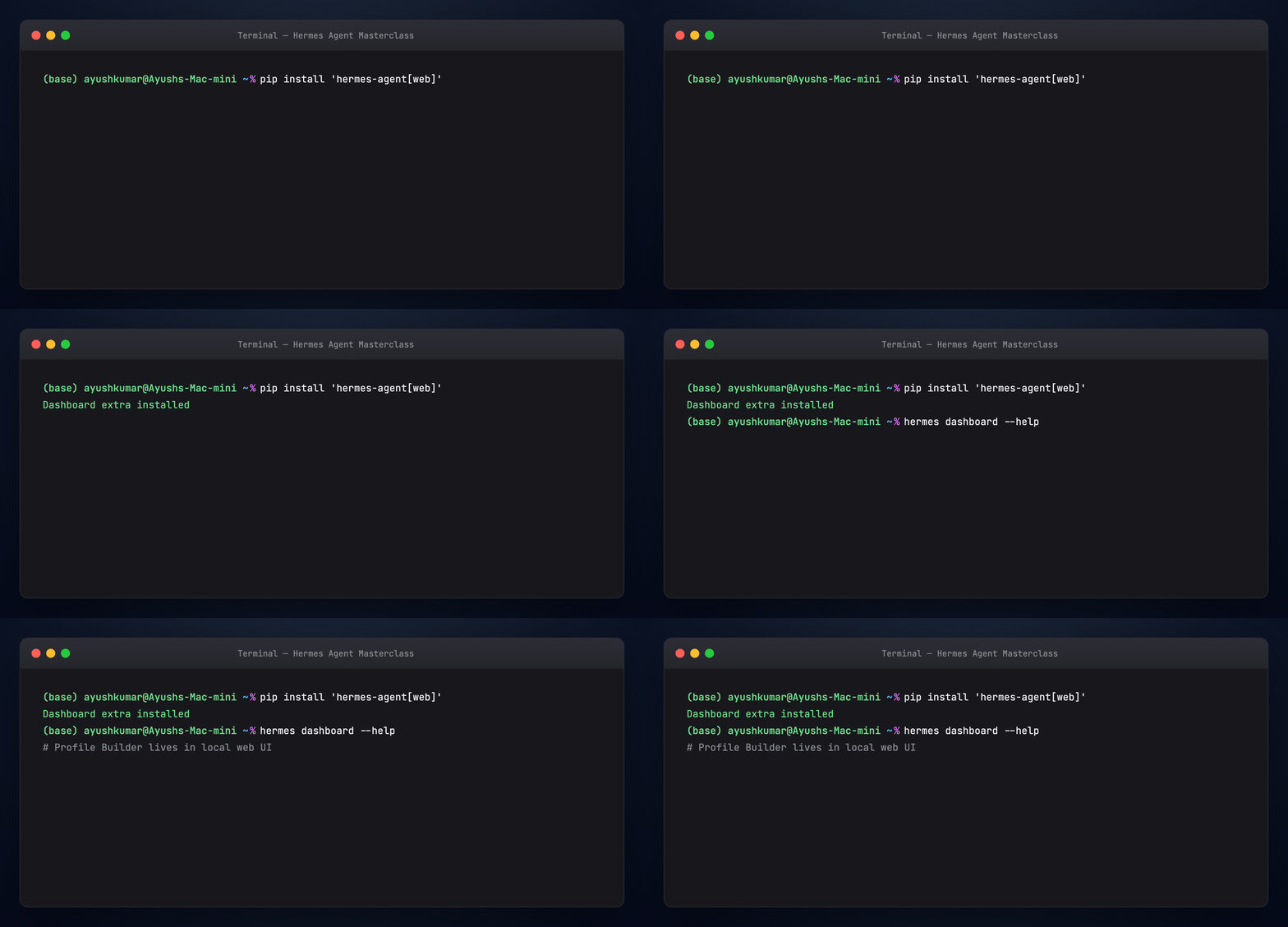
The Profile Builder is a guided browser flow. It requires the web extra (base install has no HTTP stack):
Opens http://127.0.0.1:9119 (loopback by default). Non-loopback bind needs an auth provider or Hermes fails closed.
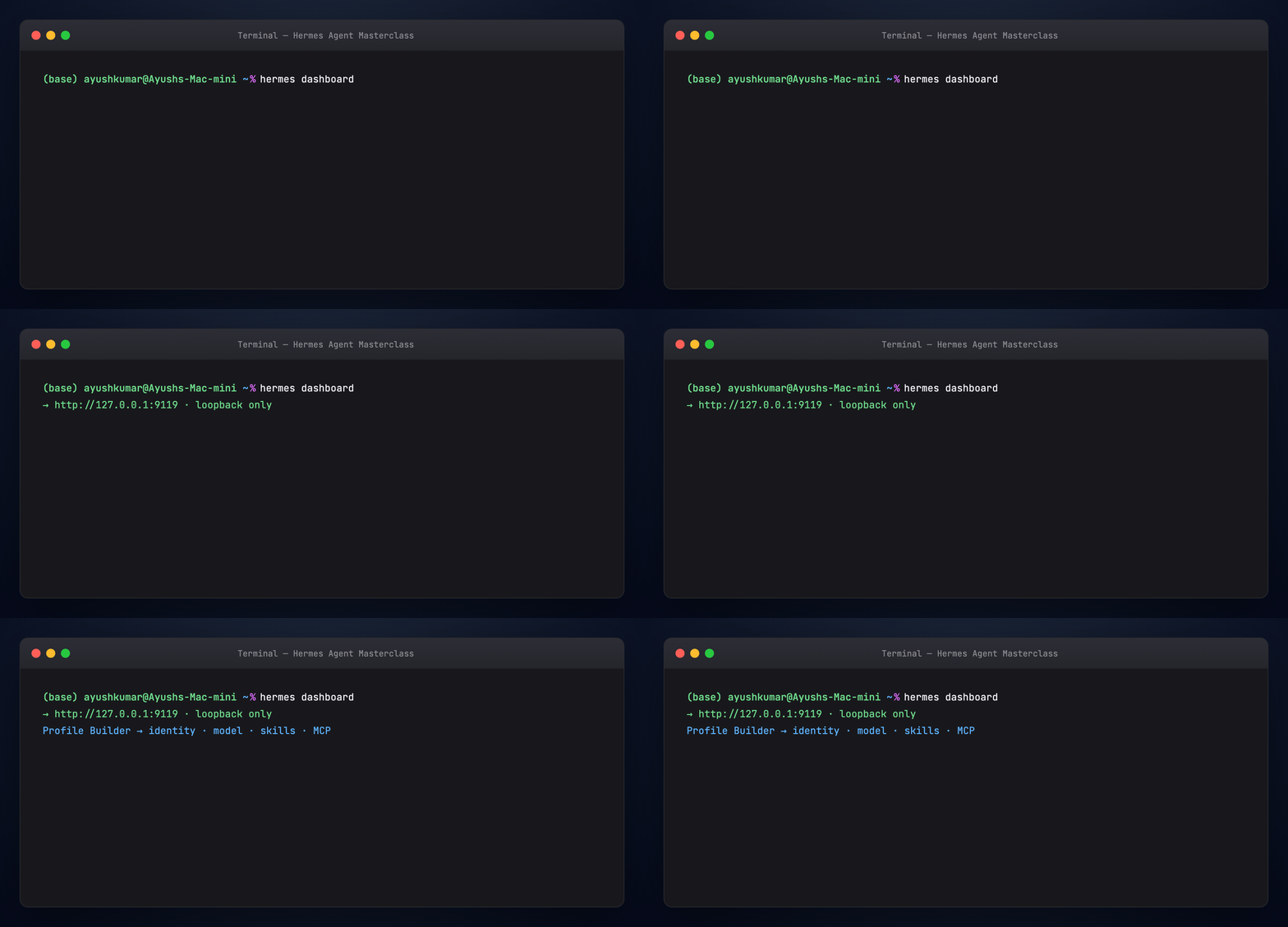
Five configuration groups (GUI = CLI)
The builder collects the same inputs as terminal commands:
- Identity — name (becomes shell alias:
coder→coder chat), description,SOUL.md - Model and provider — Nous Portal, OpenRouter, NVIDIA, OpenAI, custom OpenAI-compatible URL
- Built-in skills — toggles per profile
- Skills Hub — install by catalog slug
- MCP servers — stdio (
command+args) or HTTP (url+headers)


GUI ↔ CLI parity (prose): Name field = hermes profile create coder. Description = --description or profile describe. Model picker = coder config set model <id>. Skill toggles = coder skills list. Hub install = coder skills install <slug>. MCP = edit mcp_servers in config.yaml or coder mcp install.
Docs: Web Dashboard · Profiles · MCP
Part 12 — Build a researcher profile (CLI walkthrough)
Equivalent to completing Profile Builder for a researcher agent:
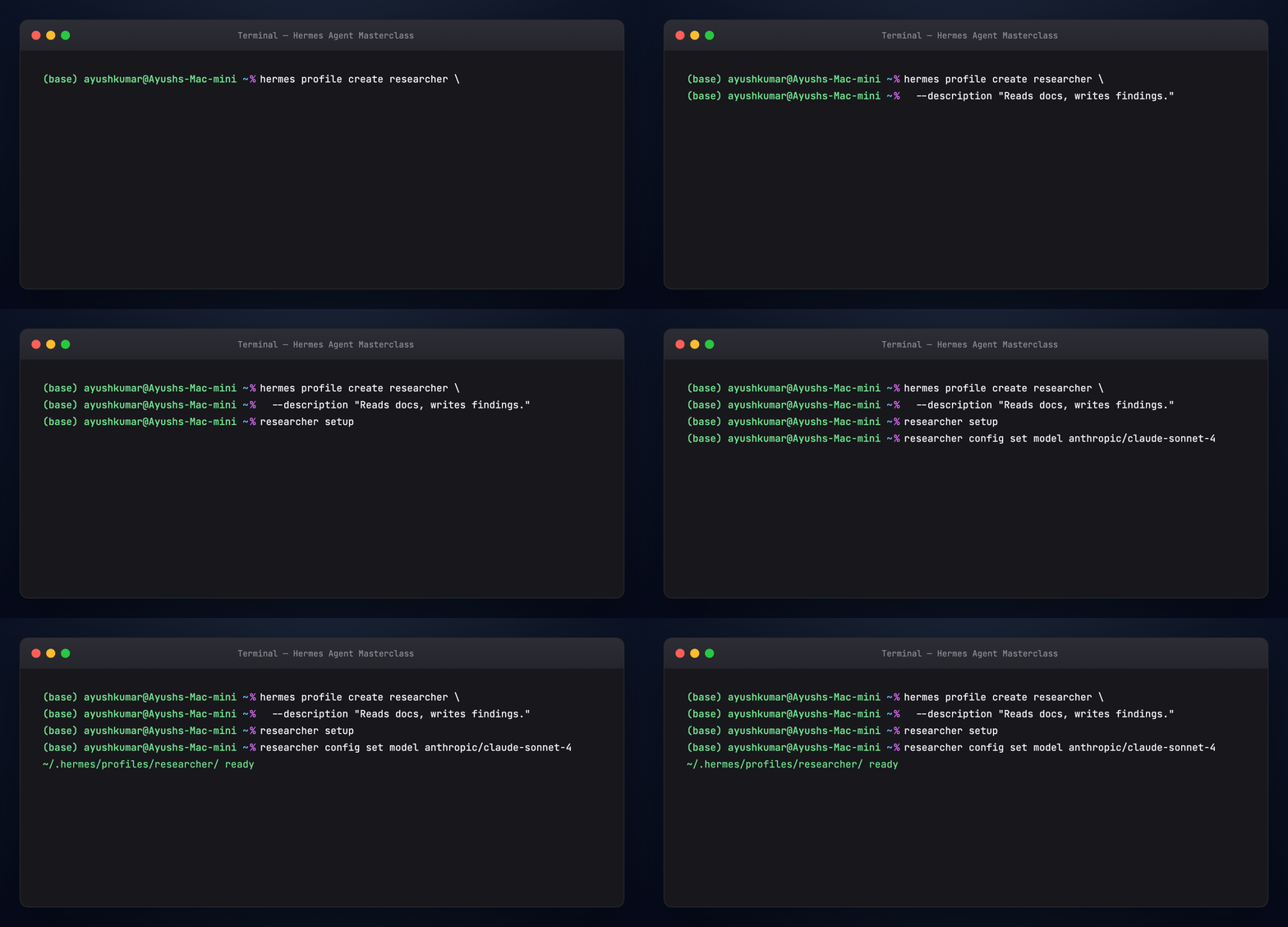
hermes profile create researcher \
  --description "Reads source code and external docs, writes findings."
researcher setup
researcher config set model anthropic/claude-sonnet-4
MCP — filesystem (stdio) in config.yaml (full example):
mcp_servers:
  filesystem:
    command: npx
    args:
      - "-y"
      - "@modelcontextprotocol/server-filesystem"
      - "/home/user/projects"
HTTP MCP (fragment):
mcp_servers:
  docs:
    url: "https://mcp.example.com/mcp"
    headers:
      Authorization: "Bearer ${DOCS_API_KEY}"
mcp_serversis a map keyed by server name, not a YAML list.
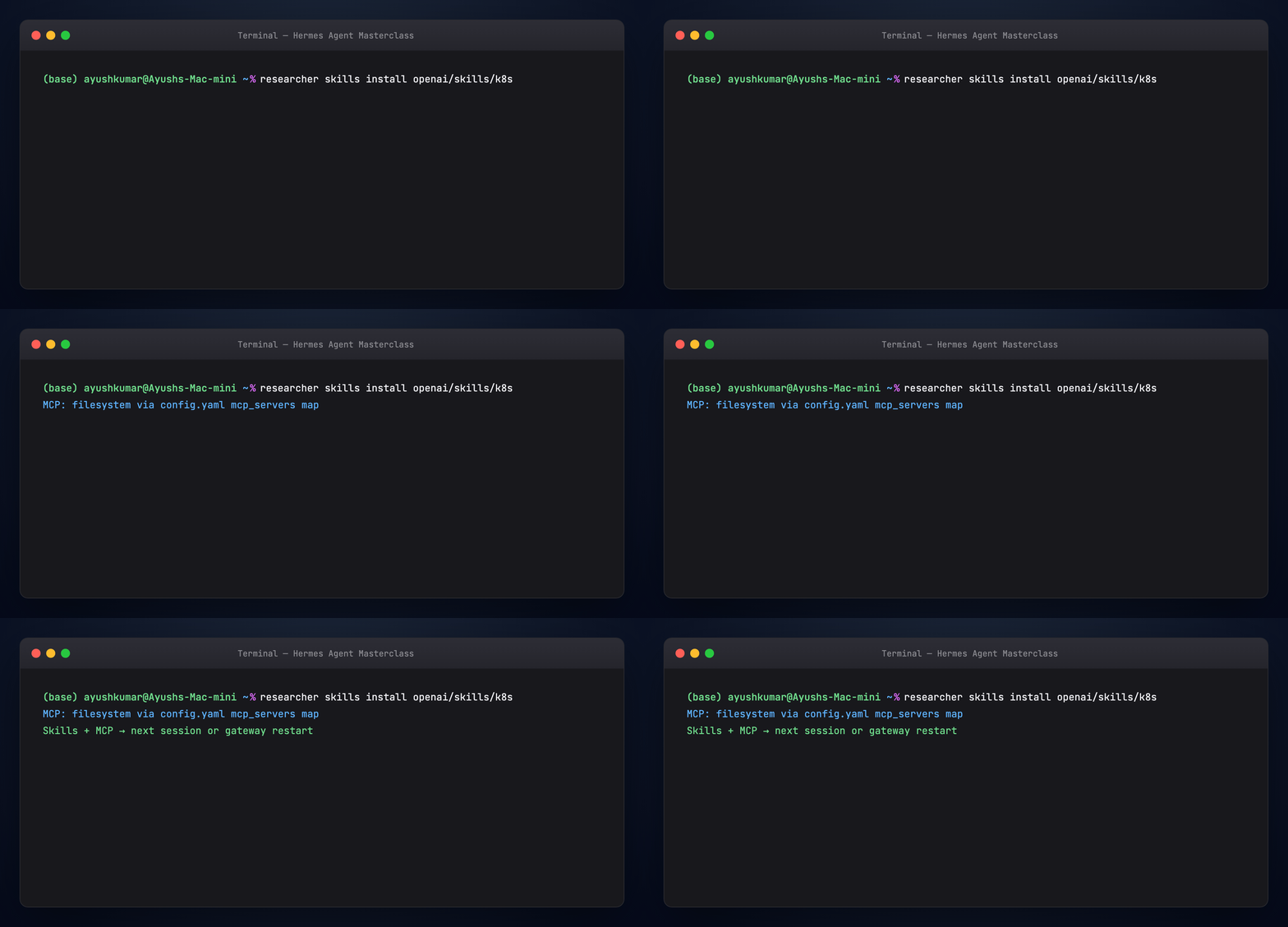
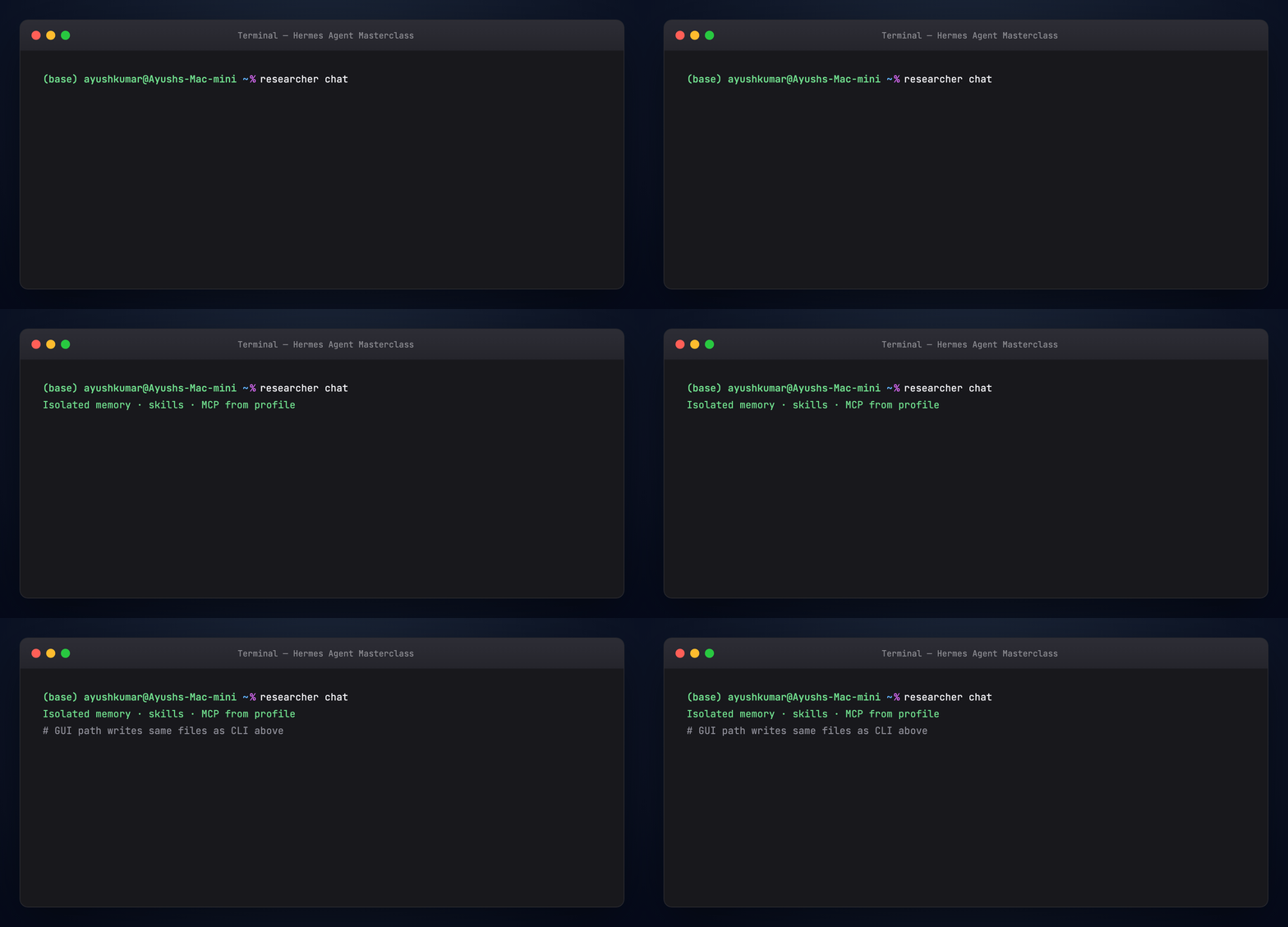
Skill/MCP changes apply on the next session or gateway restart.
Part 13 — Three agents: designer, programmer, researcher
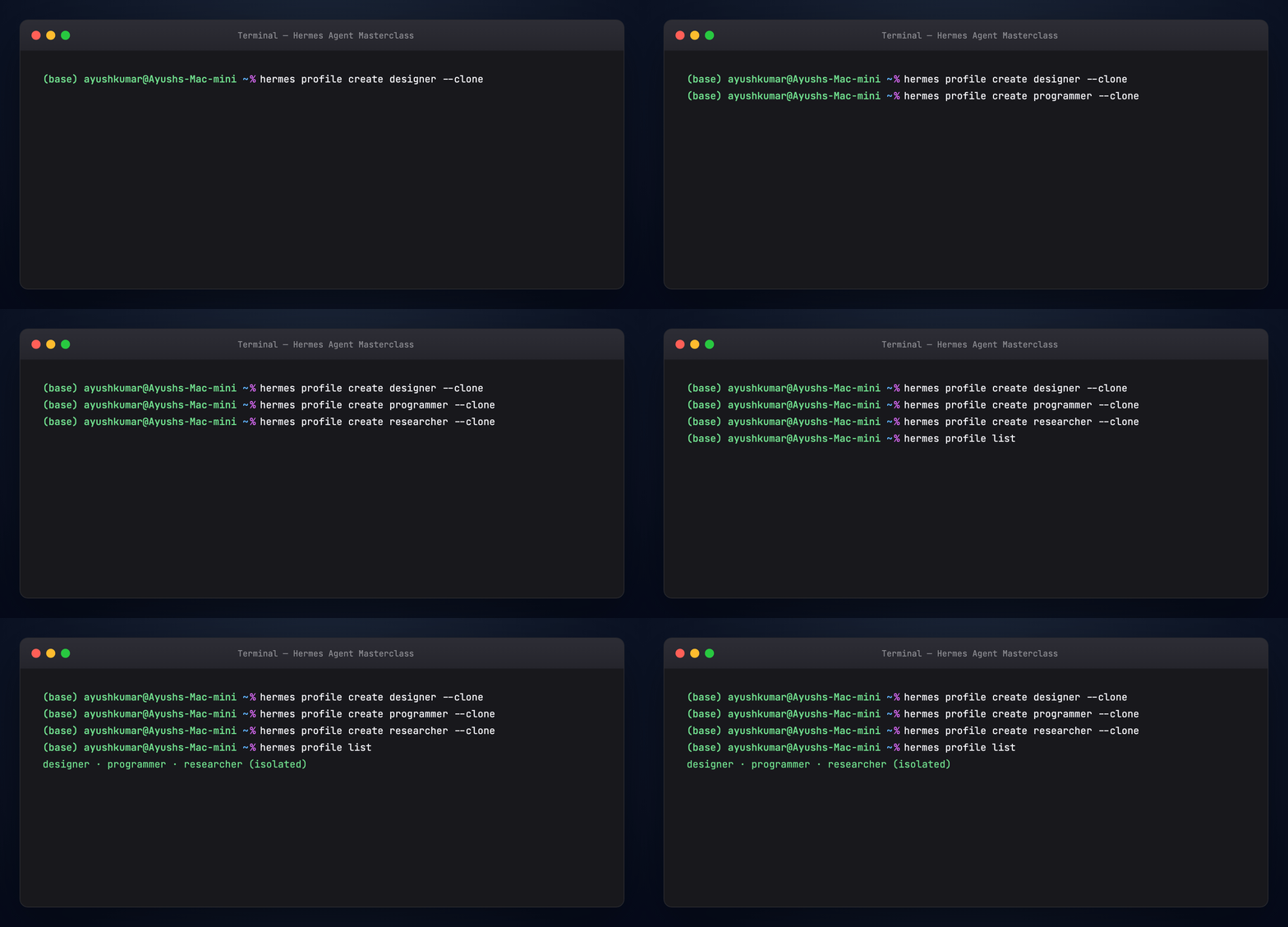
Create three isolated profiles (CLI or Profile Builder):
hermes profile create designer --clone
hermes profile create programmer --clone
hermes profile create researcher --clone
hermes profile list
--clone copies default config.yaml and .env.
One Telegram bot per profile — Telegram allows one connection per token:
hermes -p designer gateway setup
hermes -p programmer gateway setup
hermes -p researcher gateway setup
Use-case sketches (prose):
- Coder — code-strong model, filesystem MCP scoped to one repo, git/test Hub skills
- Researcher — reasoning model, doc/web skills, optional HTTP MCP; clone with
hermes profile cloneto fork - Ops — gateway + cron reports; one bot token per profile (token locks prevent accidental sharing)
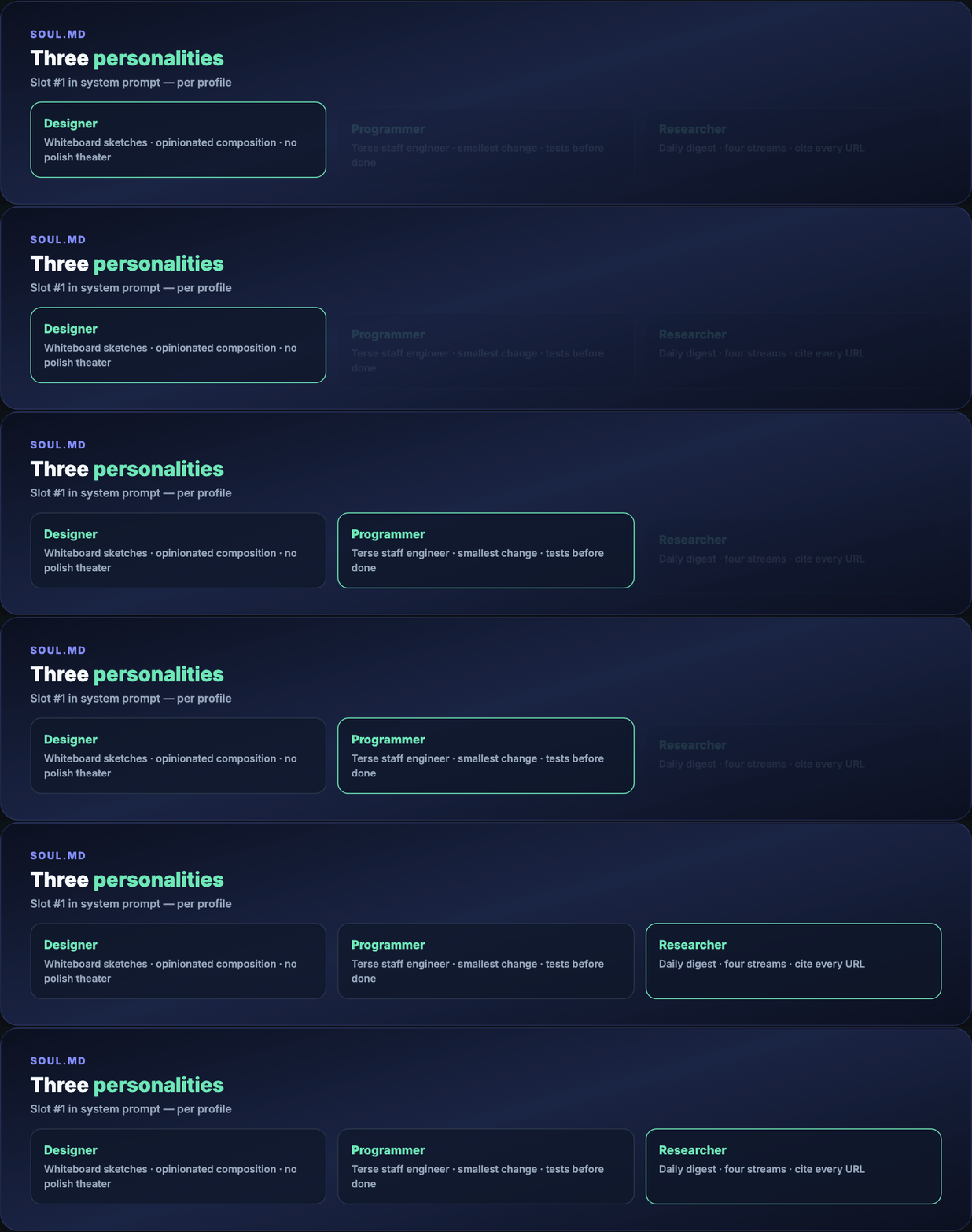
Part 14 — SOUL.md for each agent
Copy from examples/:
cp examples/SOUL-designer.md ~/.hermes/profiles/designer/SOUL.md
cp examples/SOUL-programmer.md ~/.hermes/profiles/programmer/SOUL.md
cp examples/SOUL-researcher.md ~/.hermes/profiles/researcher/SOUL.md
Part 15 — Programmer → Claude Code
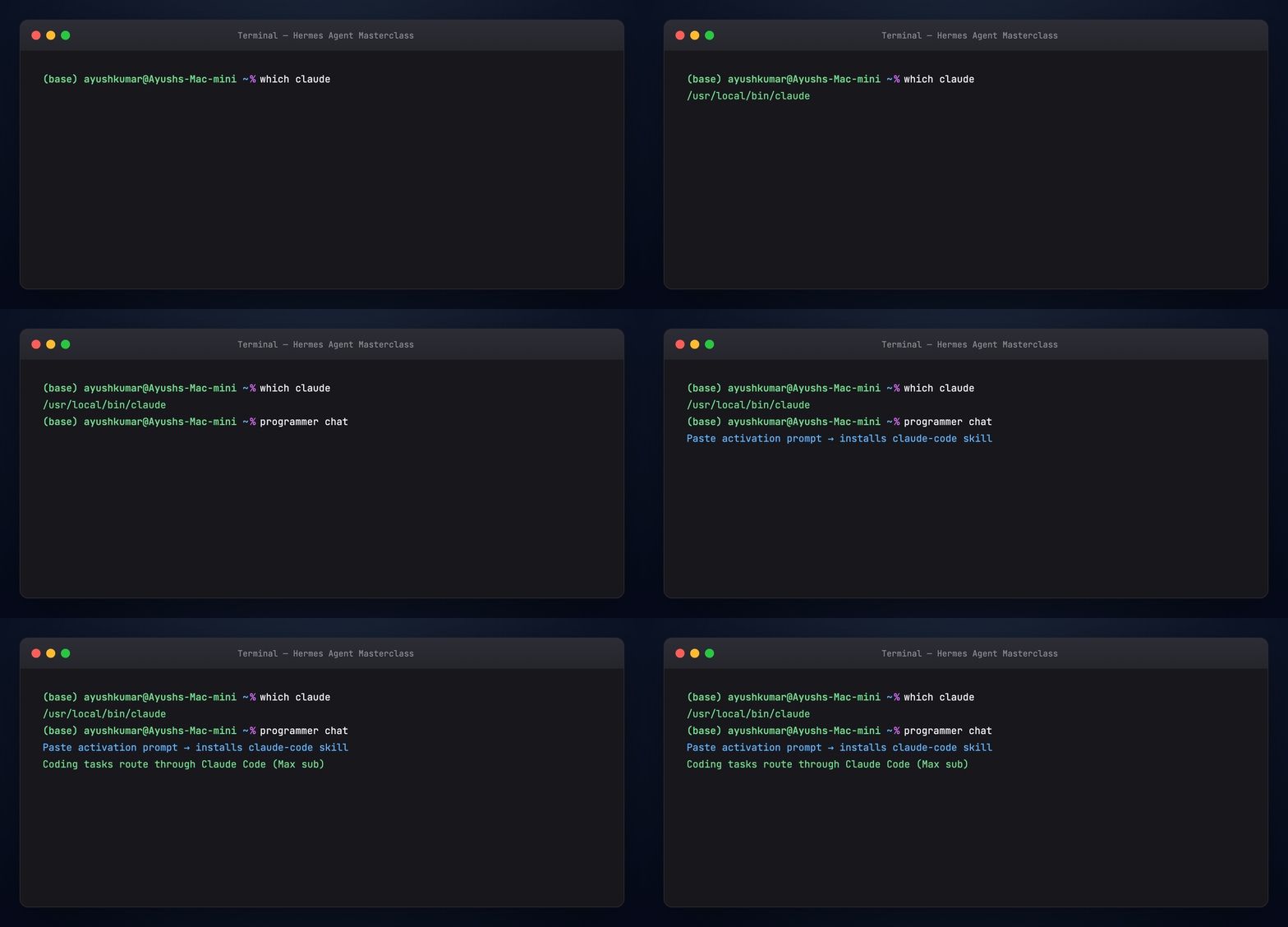
Hermes orchestrates; Claude Code executes edits, shell, and git. Works with Claude Max if claude is on PATH.
Paste once:
We already have a Claude Max subscription. You are my staff engineer who
helps me with my day-to-day coding tasks, and under the hood you use
Claude Code for all the executions. Set yourself up accordingly.
Part 16 — Designer: visual style as a skill
Feed reference illustrations (CLI or Telegram), then ask the agent to create my-design-style via skill_manage — style fingerprint + optional OpenRouter image script (google/gemini-2.5-flash-image). Output: ~/.hermes/profiles/designer/skills/my-design-style/.
Same pattern works for newsletters, threads, or any repeatable tone.
Part 17 — Researcher cron digest
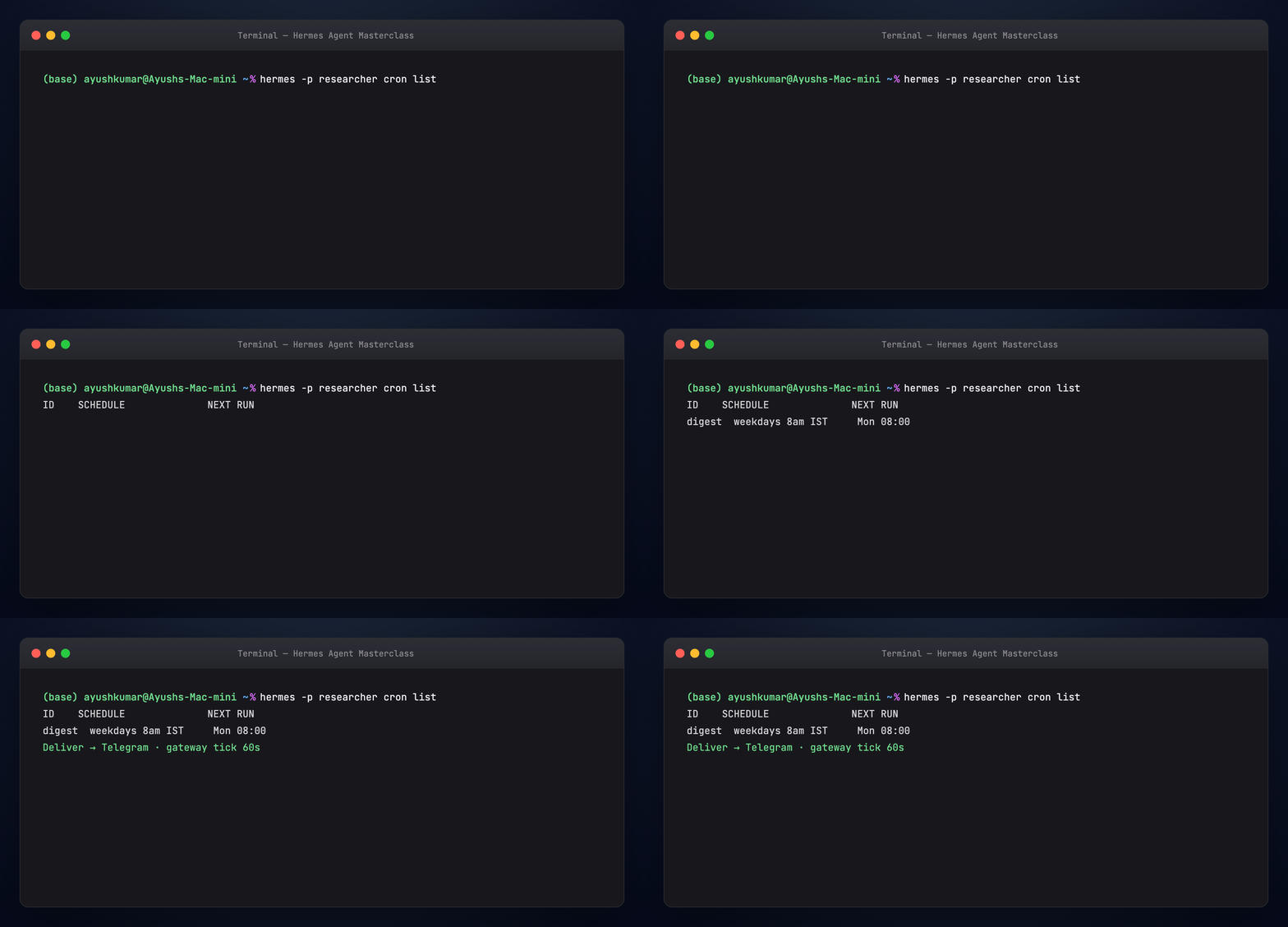
Gateway ticks every 60s, runs due jobs in isolated sessions, delivers to the configured channel.

Paste into researcher chat:
Every weekday at 8am India time, prepare a deep digest of what's new
in the AI and machine learning space over the last 24 hours. Cover
four streams: GitHub trends, lab announcements, papers, social pulse.
Cite every claim with a URL. Keep under 800 words. Deliver to Telegram.
Set this up as a recurring cron job.
Cron variants: one-shot /cron add 30m "...", interval "every 2h", expression "0 9 * * 1-5", attach --skill blogwatcher, chain with context_from.
Part 18 — Hermes vs OpenClaw
Both are self-hosted and messaging-friendly.
Hermes leads with the learning agent — skill authoring, Curator, GEPA, MCP-heavy profiles, research tooling.
OpenClaw leads with the gateway and channels — polished Control UI, ClawHub, proactive heartbeats.
Migration: hermes claw migrate. Many operators pick one primary runtime and borrow skills from the other.
Part 19 — Troubleshooting
hermes dashboard missing — pip install 'hermes-agent[web]'
Port 9119 in use — stop other dashboard instance
MCP tools not showing — restart session; check mcp_servers YAML map syntax
Two profiles, one token error — expected; use separate gateway tokens per profile
hermes: command not found — source ~/.zshrc or re-run installer
Docs: Troubleshooting
Part 20 — Verify
chmod +x guides/hermes-agent-masterclass/scripts/verify-masterclass.sh
./guides/hermes-agent-masterclass/scripts/verify-masterclass.sh
Regenerate visuals
cd guides/hermes-agent-masterclass/assets
python3 render_terminal_gifs.py all
python3 render_diagrams.py all
python3 render_blog_poster.py
cd ../../..
./scripts/prepare-docs.sh
Official links
- Hermes Agent · Docs
- Profile Builder / Web Dashboard
- hermes-agent-self-evolution (GEPA)
- DDDS masterclass
Summary
Hermes is a learning-first agent: SOUL.md frames identity; three memory tiers hold facts and history; skills evolve through skill_manage and the Curator; GEPA validates offline. Profiles isolate agents on one machine — via Profile Builder at :9119 or CLI. You now have theory plus a reproducible designer / programmer / researcher setup with gateway, MCP, and cron.