Overview
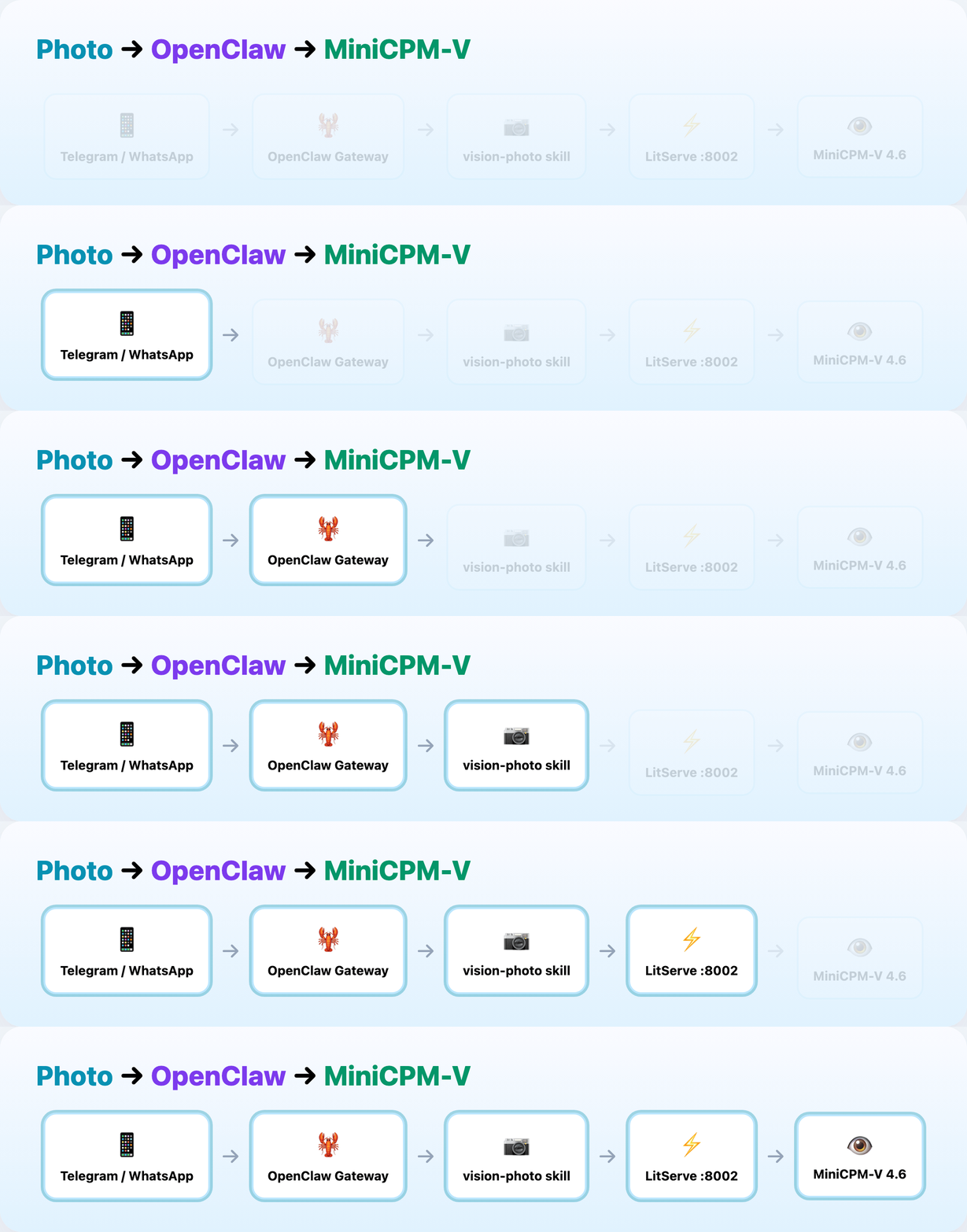
flowchart LR
    A[Telegram / WhatsApp / CLI] -->|photo + caption| B[OpenClaw Gateway]
    B -->|minicpm-v4.6 plans| C[vision-photo skill]
    C -->|vision_query.sh| D[LitServe Vision API :8002]
    D --> E[(Ollama MiniCPM-V 4.6)]
    E --> D
    D --> C
    C --> B
B -->|structured reply| A- User sends a photo on Telegram, WhatsApp, or CLI
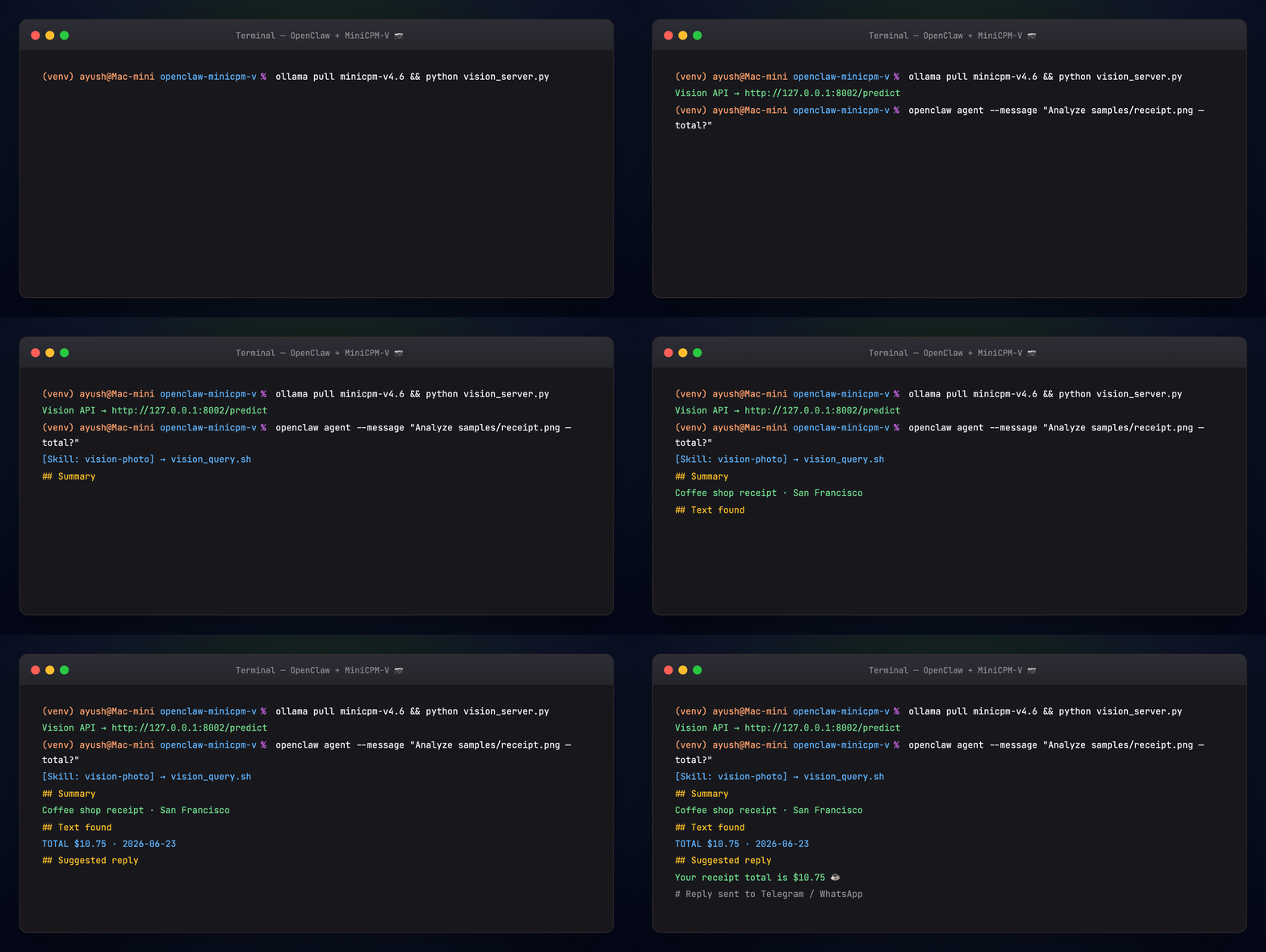
- MiniCPM-V 4.6 handles chat and invokes the vision-photo skill
- Skill POSTs to LitServe
http://127.0.0.1:8002/predict - MiniCPM-V analyzes the image locally — OCR, summary, suggested channel reply
- Answer returns through OpenClaw to the same channel
| Layer | Role |
|---|---|
| OpenClaw | Channels, sessions, skills, daemon |
| minicpm-v4.6 | 1.3B vision model — chat + image input (~1.6 GB) |
| vision-photo skill | Shells out to vision_query.sh |
| vision_server.py | LitServe API wrapping Ollama vision calls |
Animated workflow
| Guide | Overlap |
|---|---|
| MiniCPM-V MCP Server | Same model as MCP tools in Cursor |
| OpenClaw + Gemma + RAG | Text RAG skill pattern (this guide adds photos) |
| MiniCPM-V Benchmark | vs Qwen3.5-0.8B and Gemma4-E2B |
Full tutorial
See TUTORIAL.md.