Model Context Protocol (MCP) — Full Visual Guide
Connect AI hosts — Cursor, Claude Desktop, VS Code Copilot — to your databases, repos, APIs, and local files through a standard wire protocol, not one-off integrations per app.
References (original guide, not copies): Daily Dose of Data — Visual Guide to MCP · Visuals MCP — App MCP servers
Format matches our Loop Engineering and Hermes masterclass guides: prose, lists, animated diagram + terminal GIFs.
What you'll understand at the end
- Why MCP is described as USB-C for AI apps — and what that actually means in code
- Host, Client, Server roles and how one host fans out to many servers
- The three server primitives: Tools, Resources, Prompts
- Capability exchange at connect time — and why it beats brittle REST contracts for agents
- How to scaffold a server, wire Cursor / Claude Desktop, and inspect tools
- App MCP — servers that return UI instructions, not just markdown
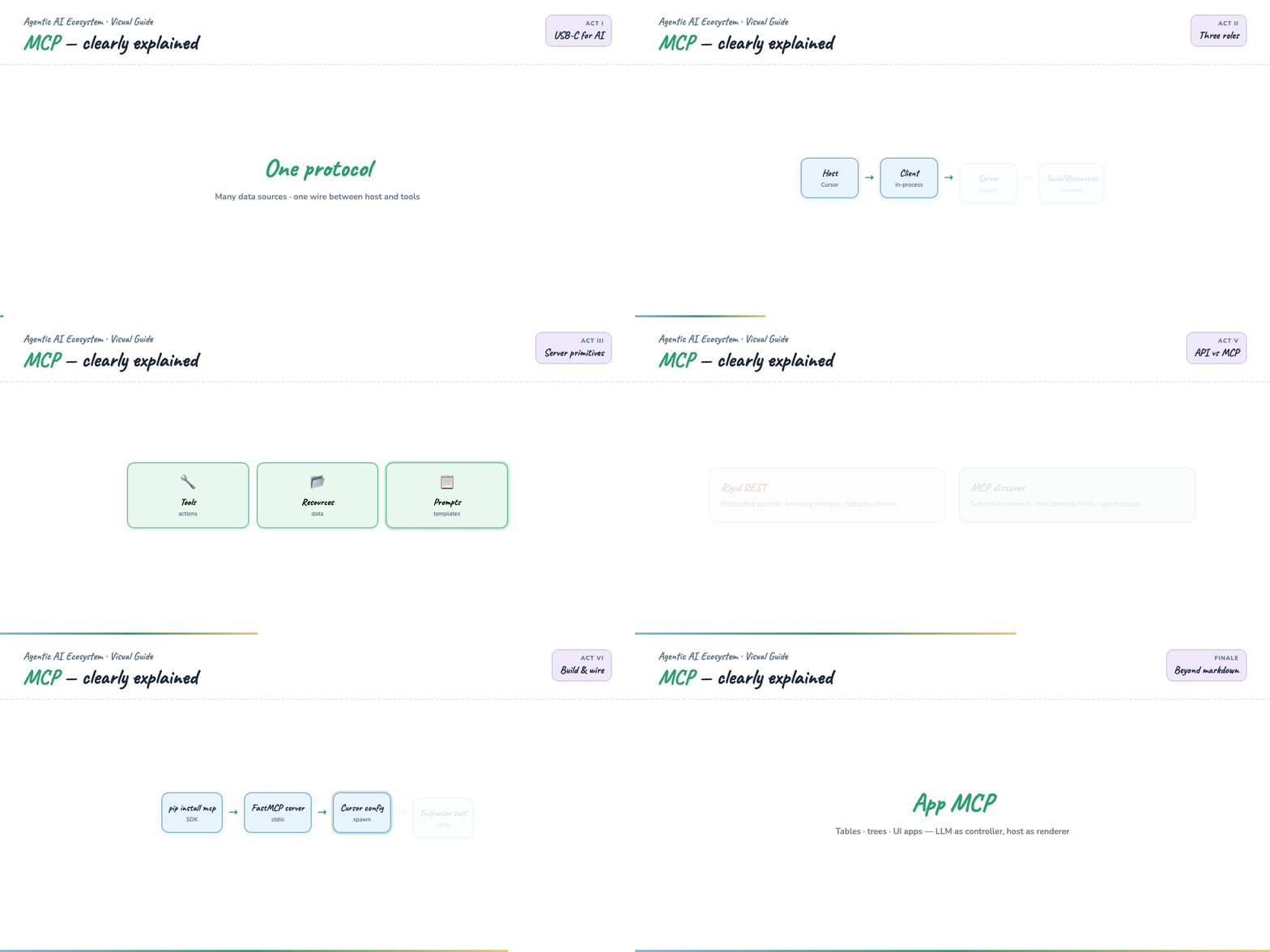
One-GIF overview (blog hero): mega-mcp-everything.gif — USB-C → host stack → handshake → API vs MCP → build → UI apps (~12s).
Introduction — the integration sprawl problem
Every serious AI host needs the same things: read files, query APIs, run shell commands, search docs, pull from Slack or GitHub. Before MCP, each integration was bespoke:
- Custom plugin API for App A
- Different JSON schema for App B
- Hard-coded tool definitions in the host
You rebuilt the same bridge for every pair of (host, data source). MCP replaces N custom adapters with one protocol and many servers — each server speaks MCP on one side and your system on the other.
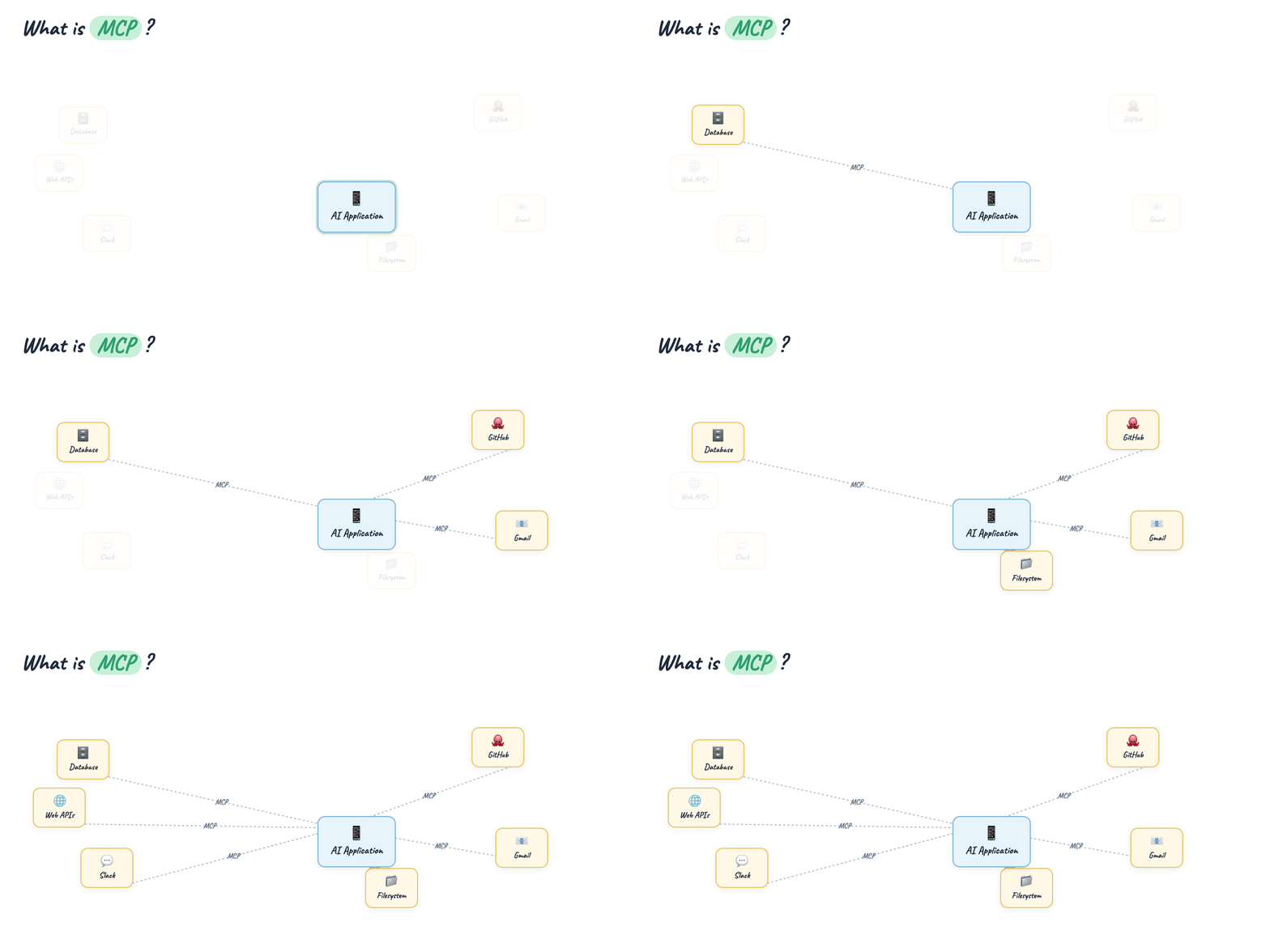
Intuition: USB-C standardized charging and data. MCP standardizes how an AI host discovers and invokes external capabilities.
Part 1 — The USB-C mental model
At the center sits your AI application (the host). Around it: databases, GitHub, email, local filesystem, Slack, public web APIs. Each connection runs over the same protocol label: MCP.
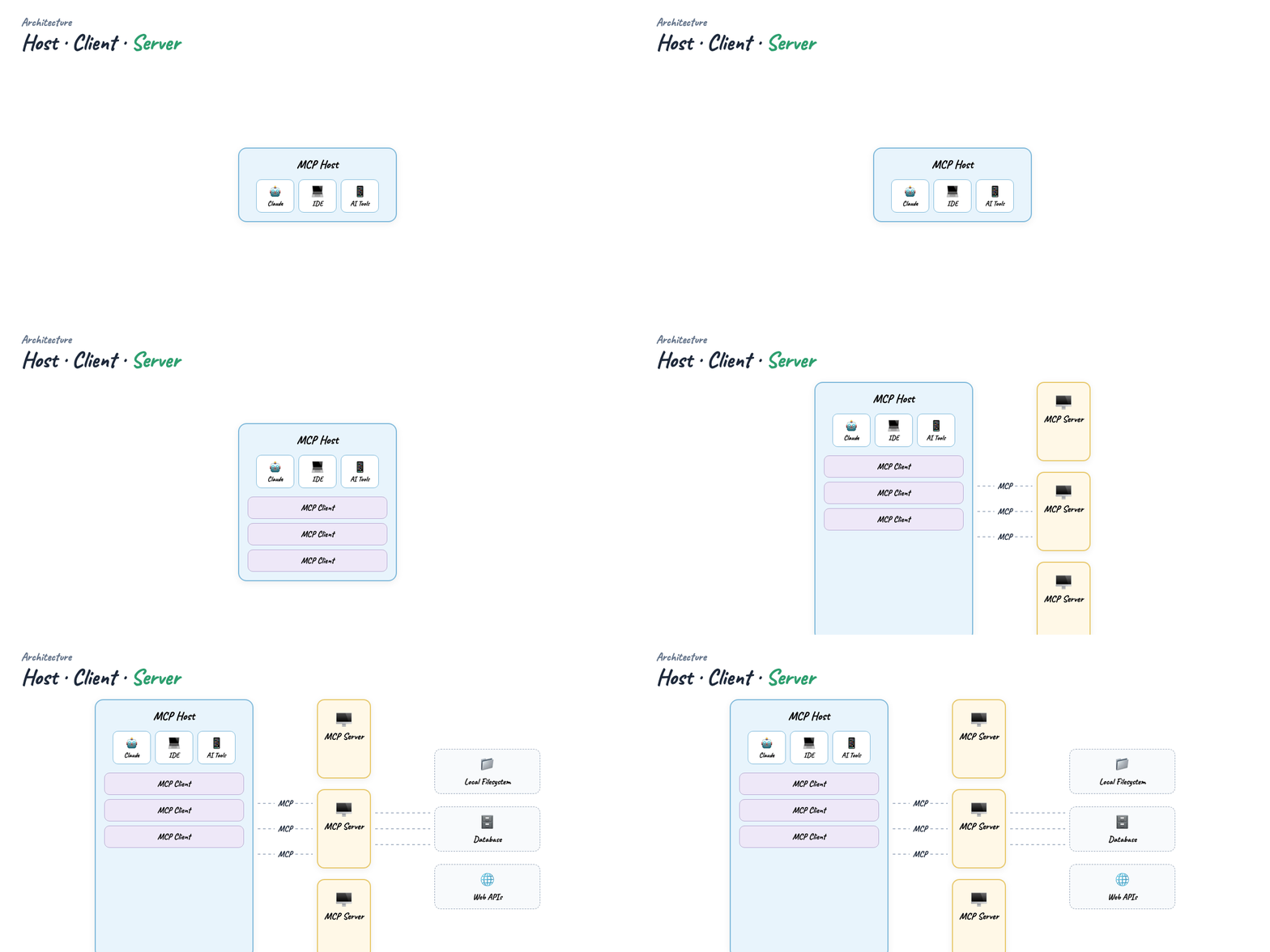
The host doesn't embed GitHub logic or Postgres drivers. It embeds an MCP client that talks to MCP servers — one per domain (filesystem server, GitHub server, your custom weather server).
Part 2 — Host, Client, Server
Three roles — don't collapse them:
| Role | What it is | Examples |
|---|---|---|
| Host | The app the human uses; runs the model and UI | Cursor, Claude Desktop, VS Code + Copilot |
| Client | Module inside the host that speaks MCP to servers | One client instance per server connection |
| Server | Adapter exposing capabilities to the model | @modelcontextprotocol/server-filesystem, your Python weather server |
One host → many clients → many servers. The model sees a unified tool surface; each server stays isolated and deployable on its own.
Part 3 — What servers expose
Every MCP server advertises up to three capability families:
Tools — actions the model can call (fetch weather, run query, create issue).
Resources — readable content (file URIs, schema docs, config snapshots).
Prompts — reusable prompt templates the host can surface to users.
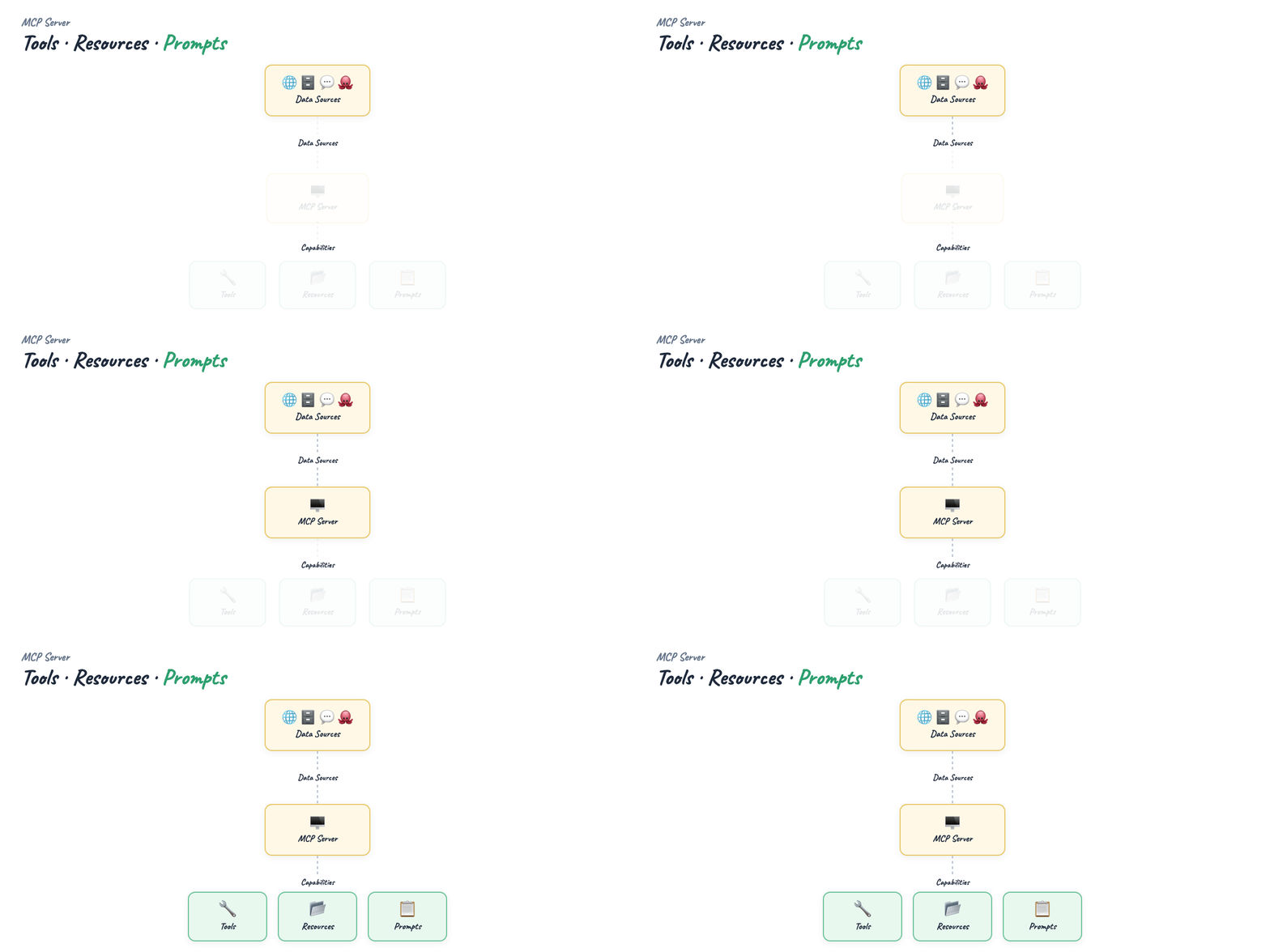
Think of tools as verbs, resources as nouns, prompts as saved playbooks.
Part 4 — Transport layer
Client and server exchange JSON-RPC messages over a transport:
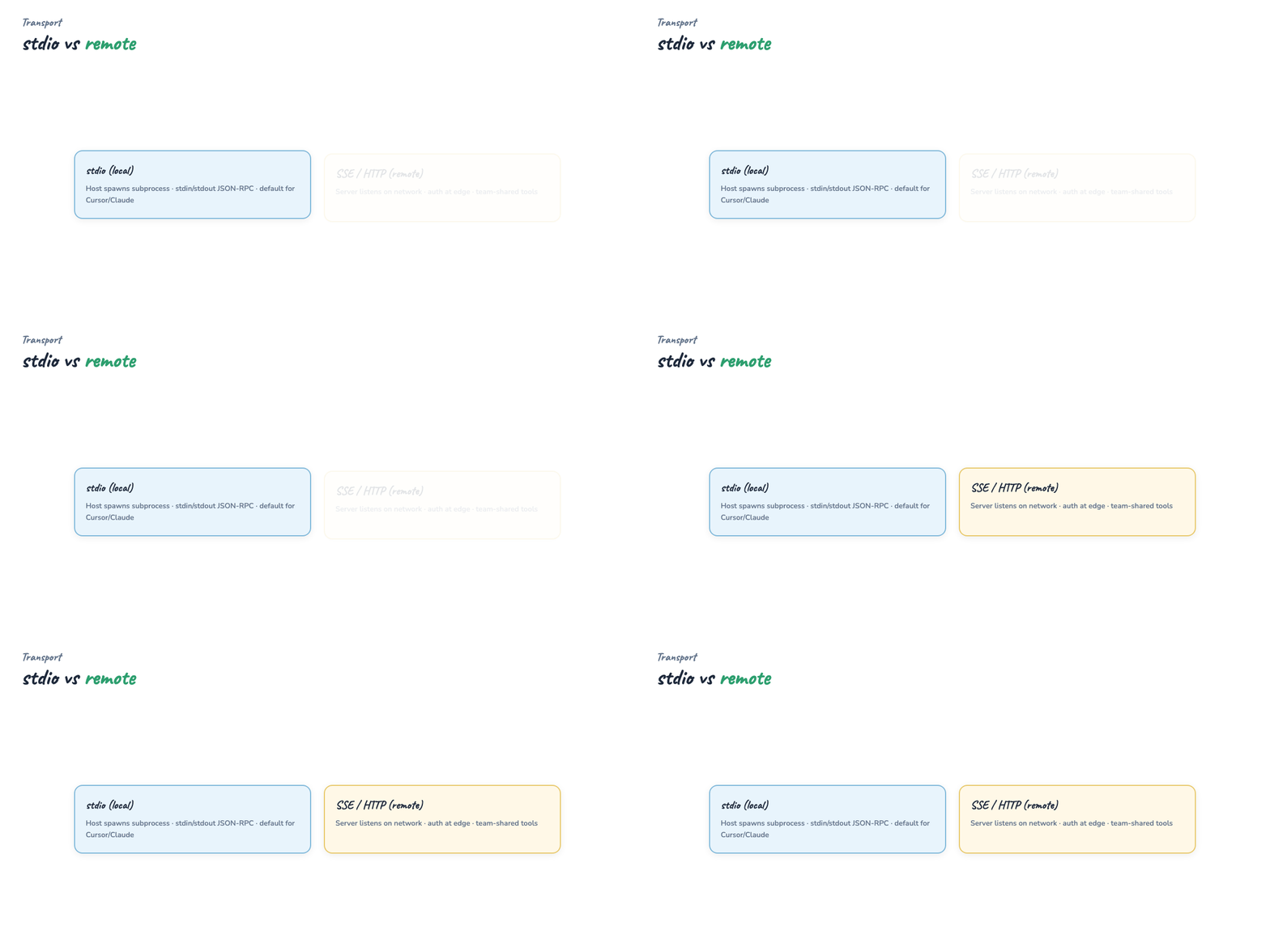
- stdio — host spawns server as subprocess; stdin/stdout carry messages. Default for local dev (
npx,python server.py). - SSE / HTTP — server runs remotely; client connects over the network.
The capability model is identical; only the pipe changes. Most tutorials and desktop hosts start with stdio because it's one config block and no open port.
Part 5 — Capability exchange (the handshake)
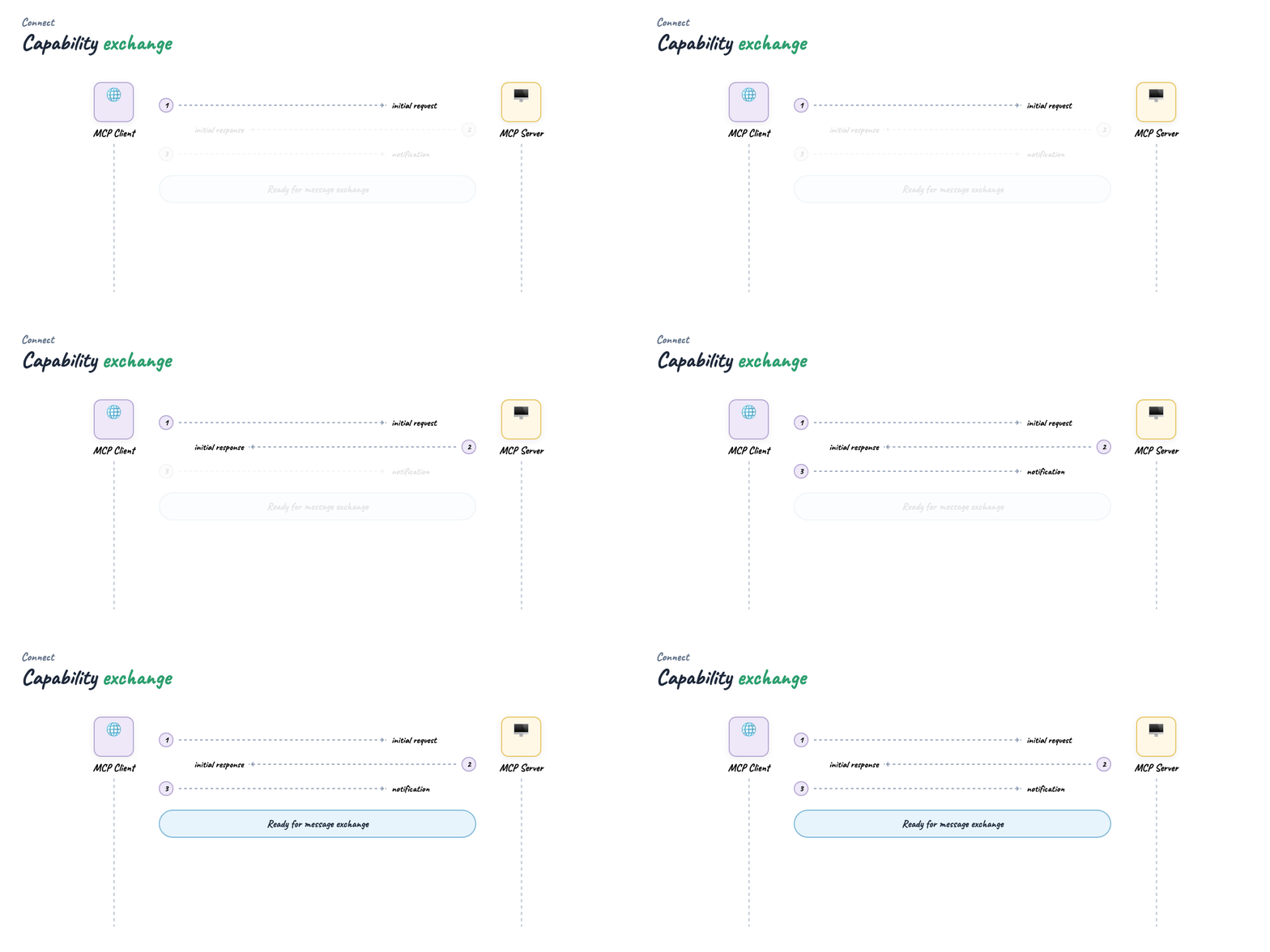
Before any tool runs, client and server perform a capability exchange:
- Client sends initialize — protocol version, client info
- Server responds with supported tools, resources, prompts and JSON schemas for parameters
- Client sends initialized notification — channel is ready
Example: a weather server might advertise get_forecast(location, date) with types. The host's model receives that schema in context and knows exactly which arguments to fill — no hard-coded OpenAPI doc in the host repo.
Part 6 — Traditional API: rigid contracts
Classic REST: the client must know the contract ahead of time.
Integrators bake location and date into their code. Works until you ship a breaking change.

Part 7 — When APIs break clients
You add a required third parameter — unit (celsius | fahrenheit). Every client that still sends only two params gets 400 errors or wrong defaults. Three sad integrators, three redeploys.
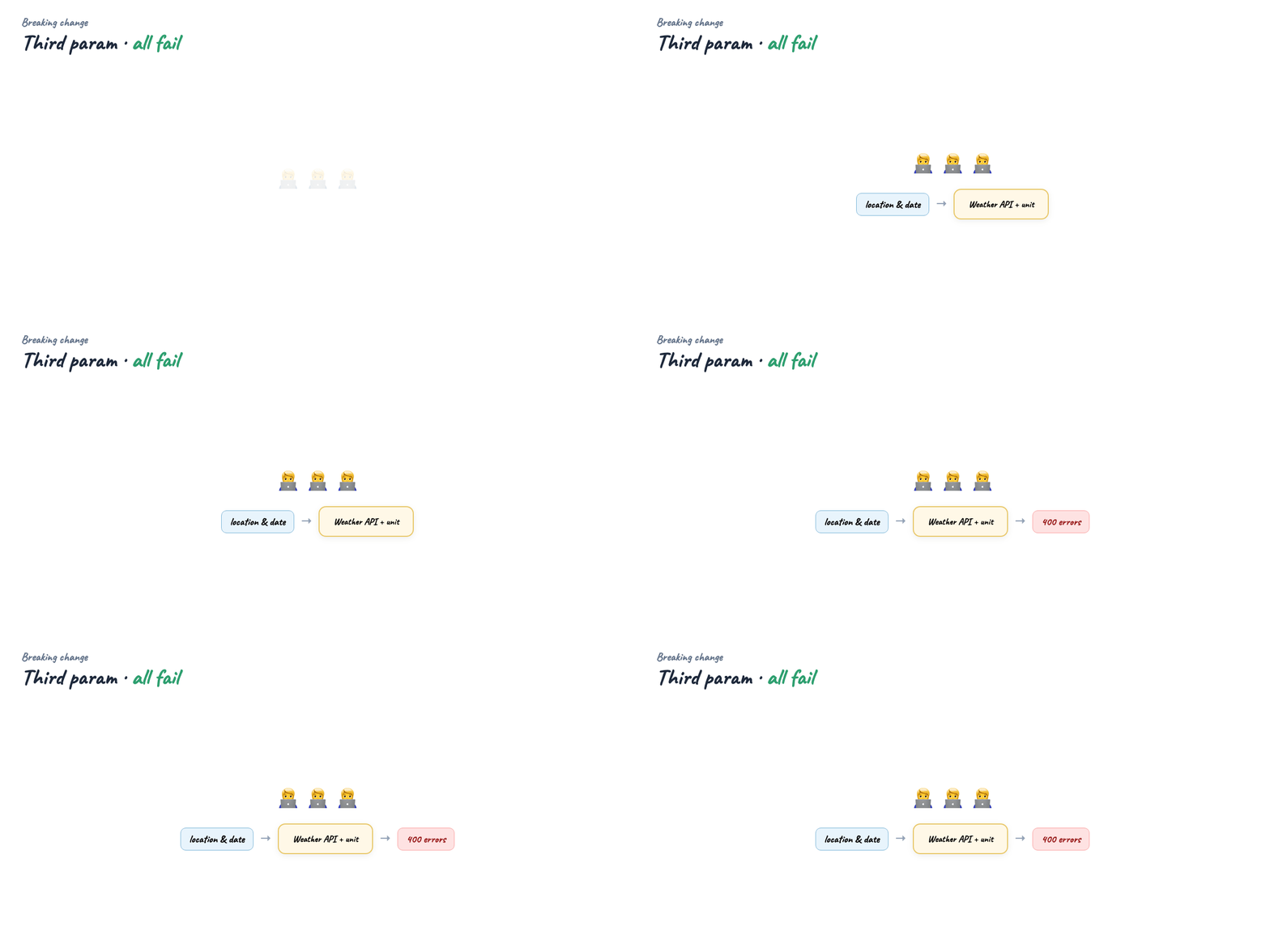
This is normal API versioning pain. For autonomous agents that must adapt without a human editing config, it's worse: the agent doesn't read your changelog.
Part 8 — MCP: discover, don't hardcode
On each connection the client asks what the server supports. The server returns current tool schemas — including new optional fields like unit.
The client (and model) adapts on the next session without redeploying host code. No silent failure from a missing query param the model never knew about.

Caveat: MCP doesn't magically fix semantic breaking changes (renaming a tool). It fixes discovery — parameters and availability are first-class at connect time, not buried in external docs.
Part 9 — API vs MCP (when to use which)
| Traditional API | MCP | |
|---|---|---|
| Consumer | Your backend, mobile app, scripts | AI hosts + agents |
| Contract | OpenAPI / docs you maintain | Declared at initialize |
| Discovery | Static integration | Dynamic per connection |
| Best for | Product APIs, SLAs, public dev portals | Tooling layer for LLM hosts |
Use both: MCP server as the agent-facing adapter; your core service stays a normal API internally.
Part 10 — Build your first server
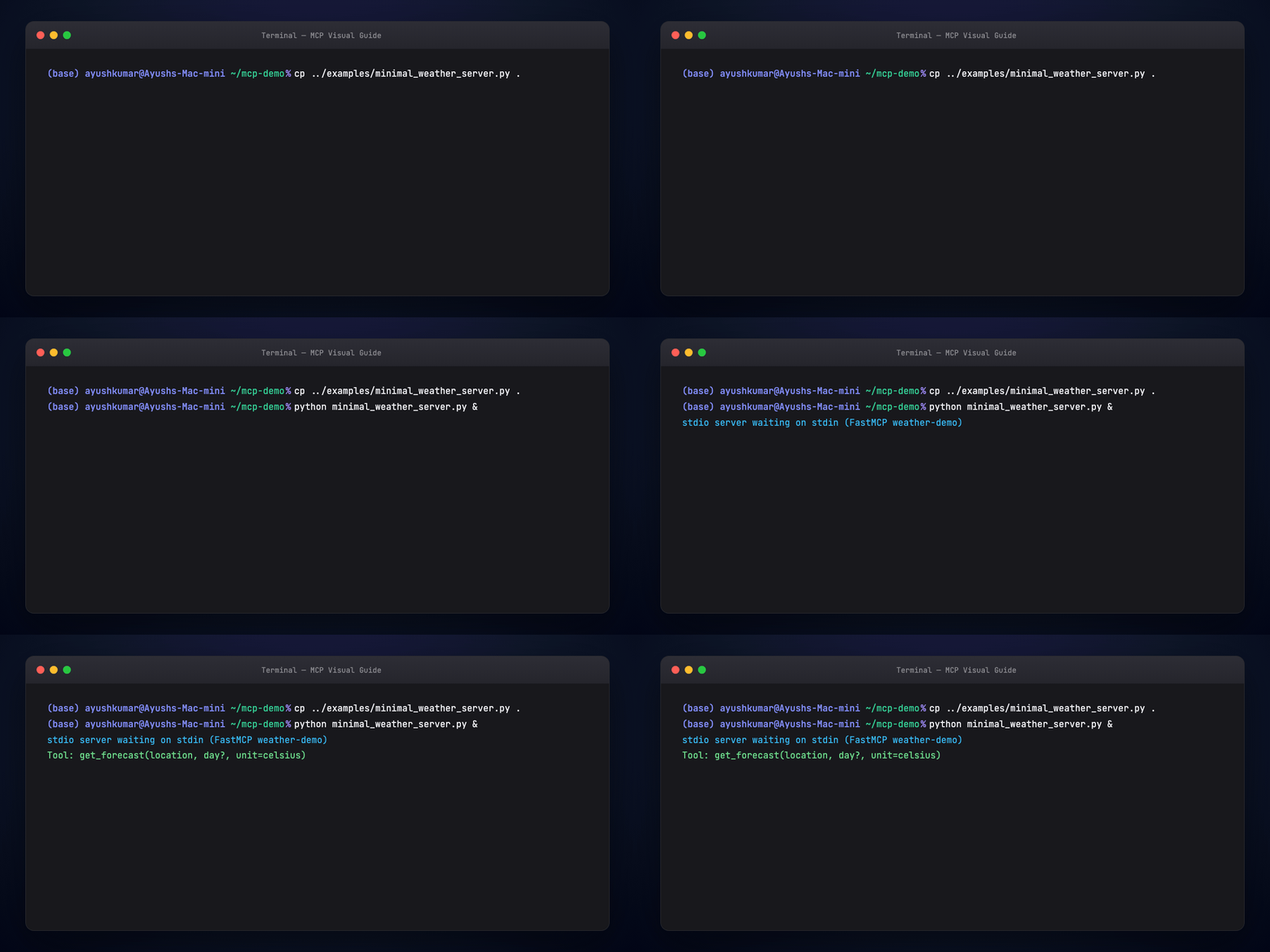
We ship a minimal Python weather server using the official SDK (FastMCP):
from mcp.server.fastmcp import FastMCP

mcp = FastMCP("weather-demo")

@mcp.tool()
def get_forecast(location: str, day: str | None = None, unit: str = "celsius") -> str:
    """Stub forecast — location, optional day, unit celsius|fahrenheit."""
    ...

if __name__ == "__main__":
    mcp.run(transport="stdio")
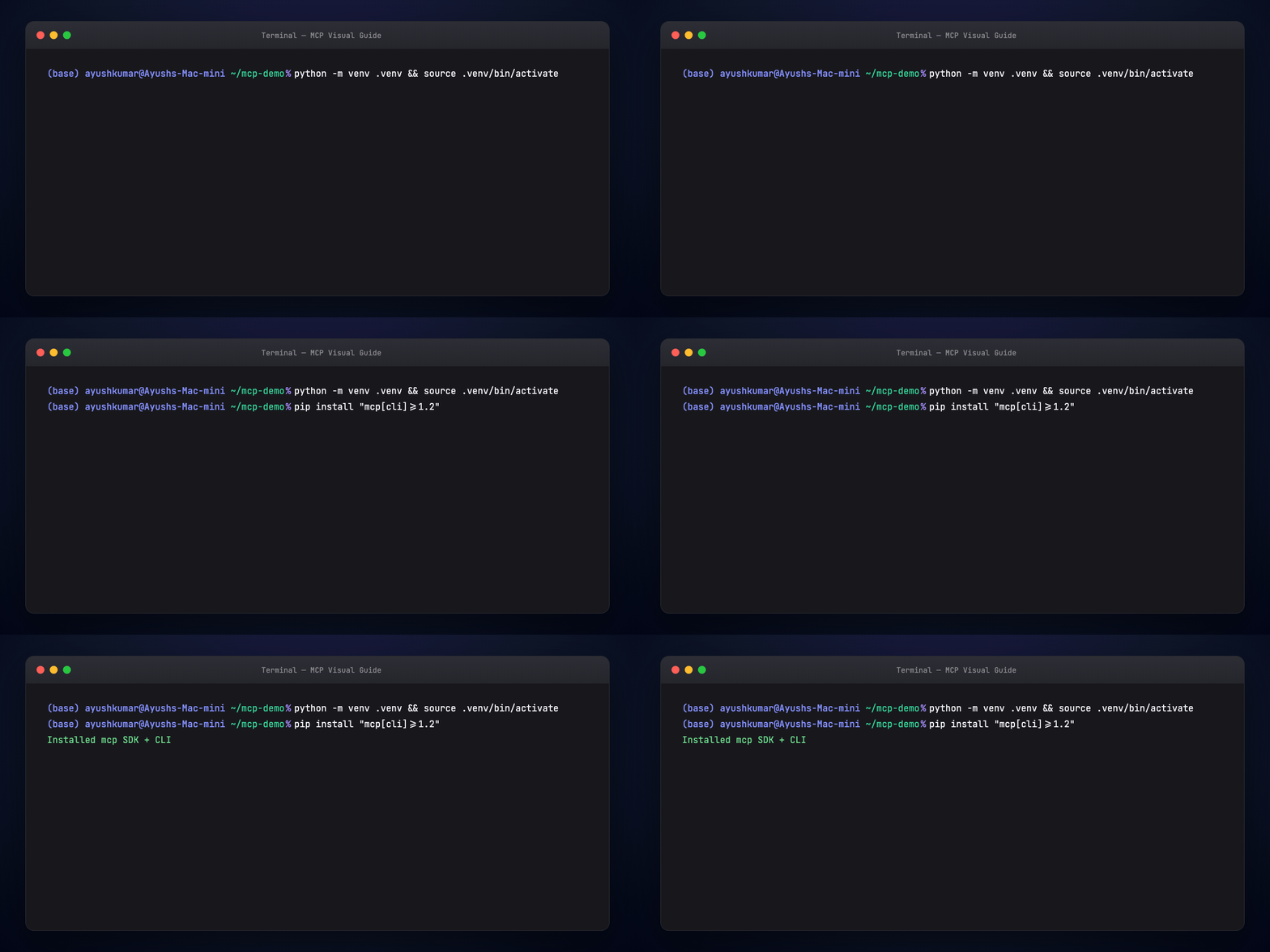
Run locally:
Part 11 — Wire the host
Cursor — MCP settings JSON (Settings → MCP):
{
  "mcpServers": {
    "weather-demo": {
      "command": "python",
      "args": ["examples/minimal_weather_server.py"],
      "cwd": "/path/to/guides/mcp-visual-guide"
    }
  }
}
Claude Desktop — claude_desktop_config.json with the same command / args pattern.
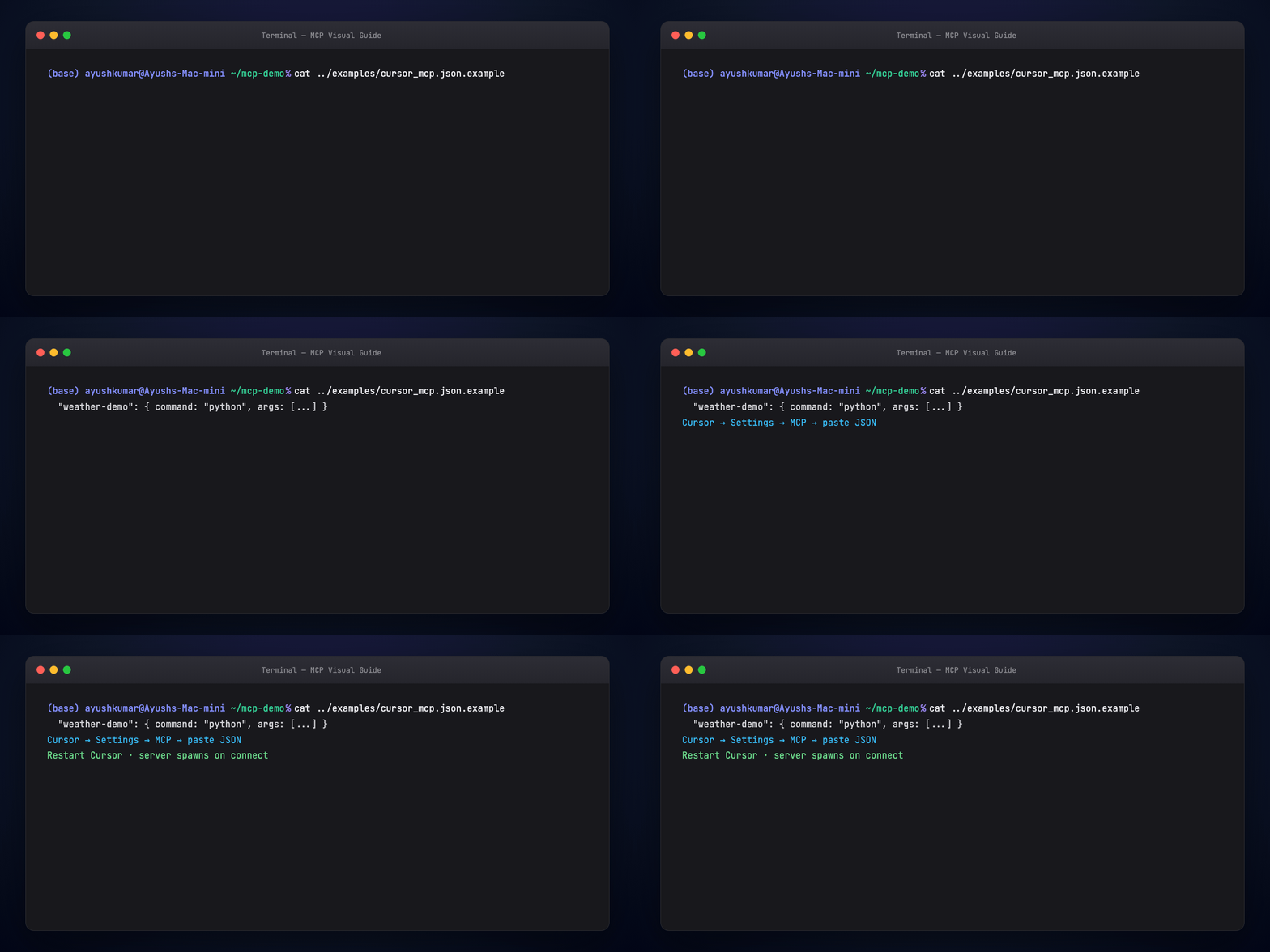
Restart the host after config changes. The client spawns your server process and runs the handshake automatically.
Part 12 — Inspect and debug
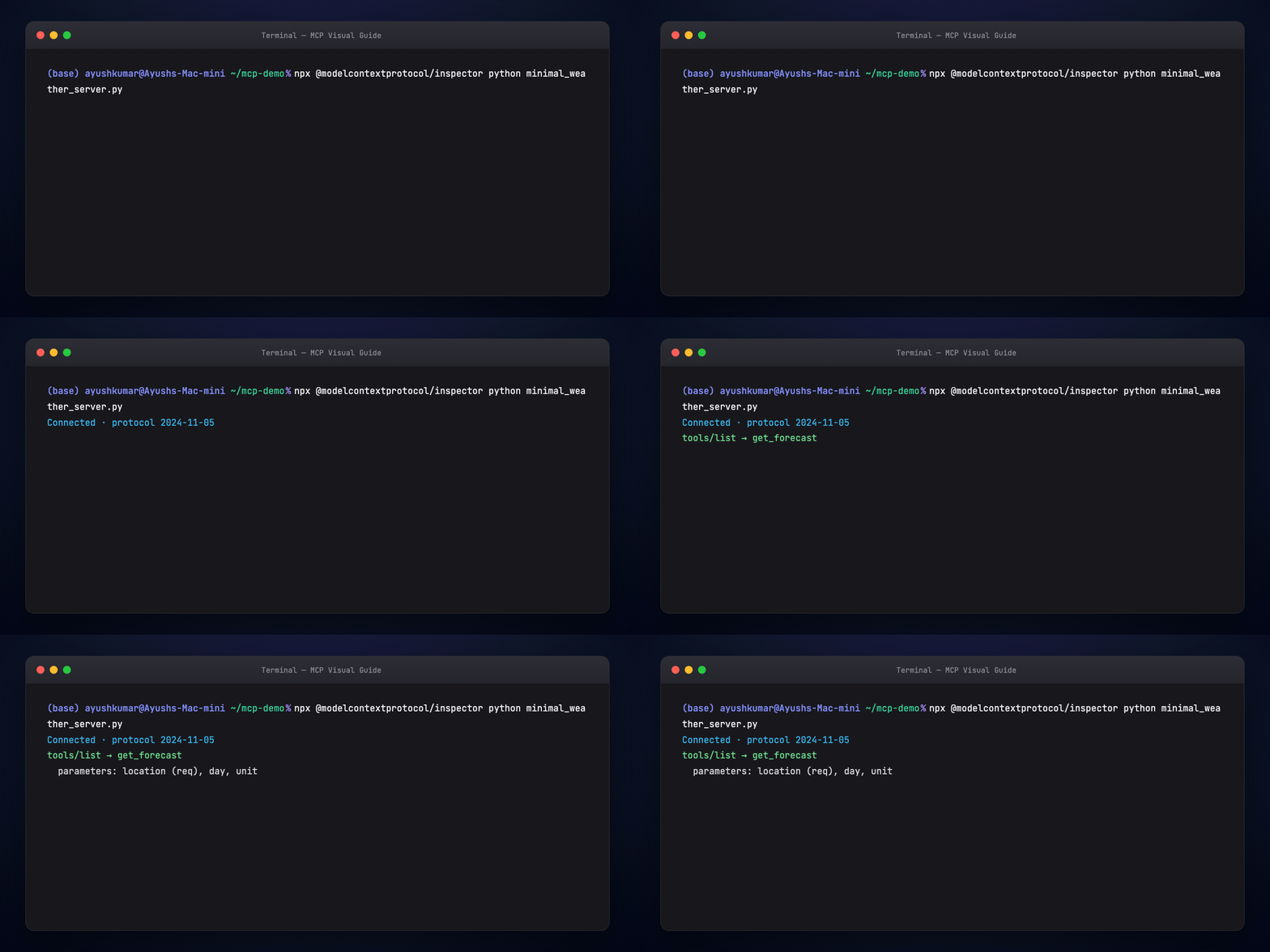
Use the MCP Inspector or host UI to list tools:
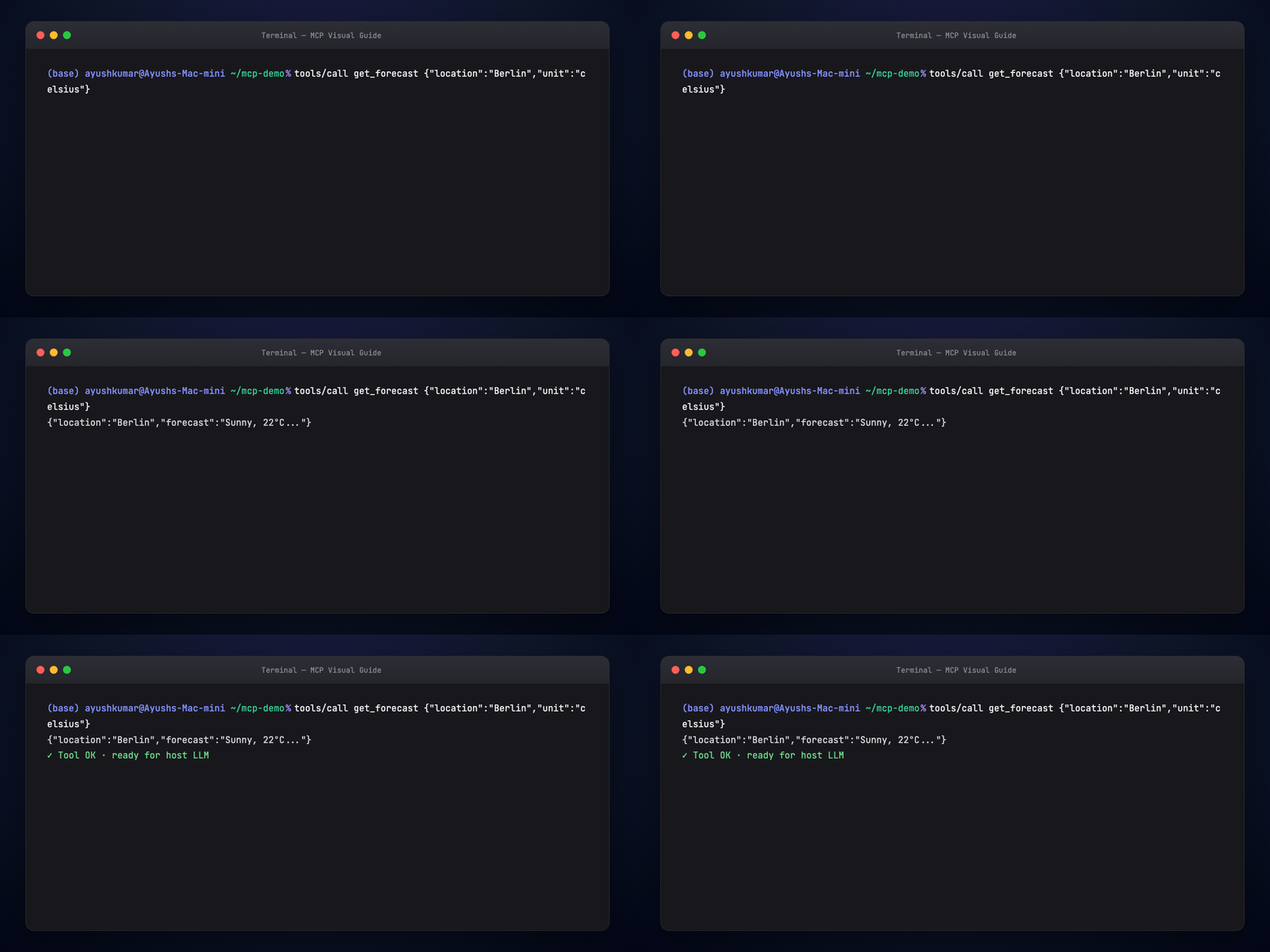
You should see get_forecast with parameters location, day, unit. Invoke it with test JSON before trusting the model.
Part 13 — Beyond text: App MCP (Visuals MCP pattern)
Most servers return strings — markdown tables, JSON blobs, file paths. That hits limits fast:
- Markdown tables don't sort or filter
- Long lists burn context
- Images arrive as URLs, not previews
App MCP servers return UI render instructions plus data. The host loads a bundled React (or other) app via MCP resources (text/html), and the model passes structured tool results into that app.
Flow:
- User: "Show EC2 instances in a sortable table"
- Model calls
display_tabletool - Server returns columns + rows +
resourceUri: table://display - Host renders interactive grid (sort, filter, paginate)
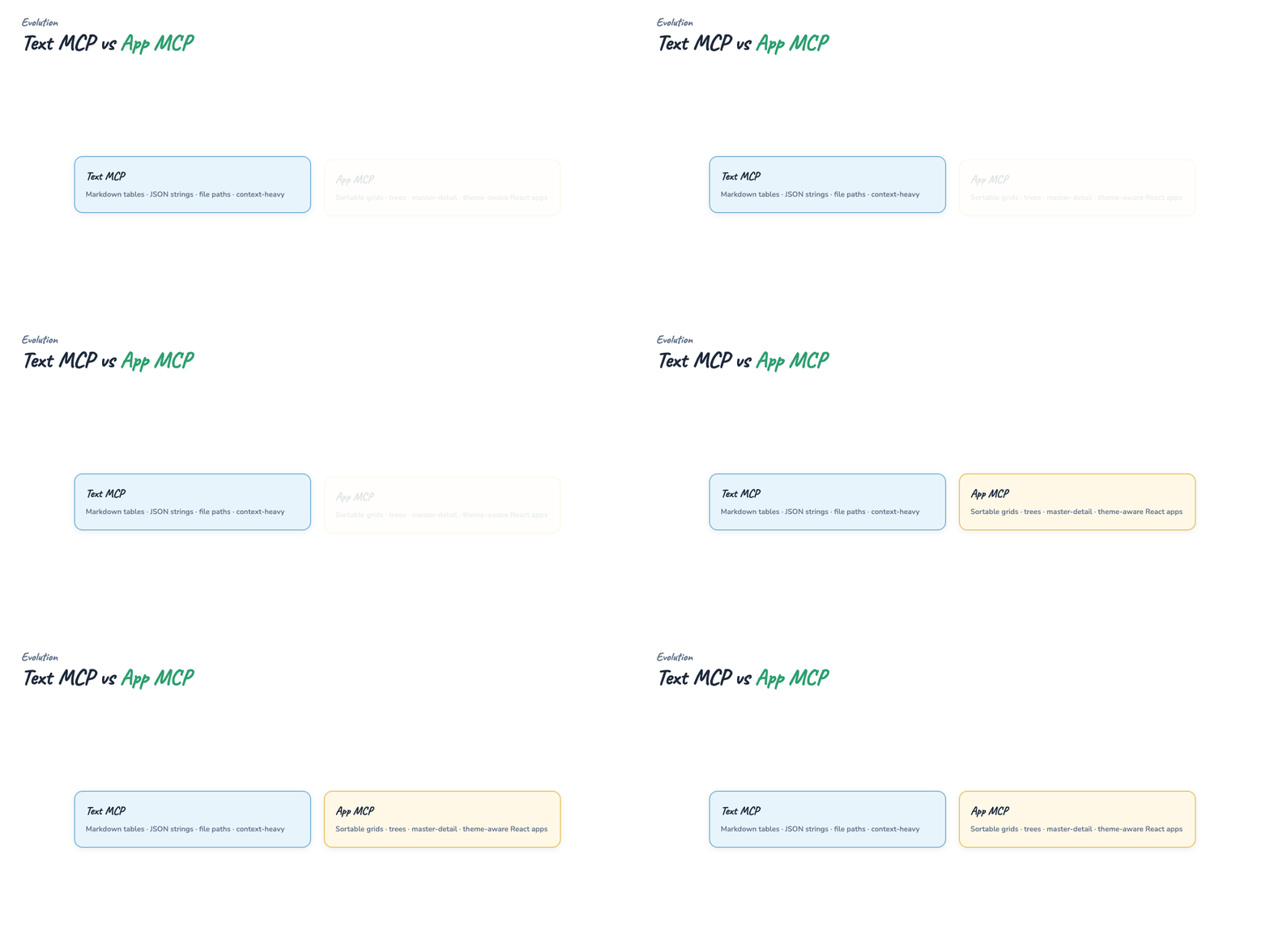
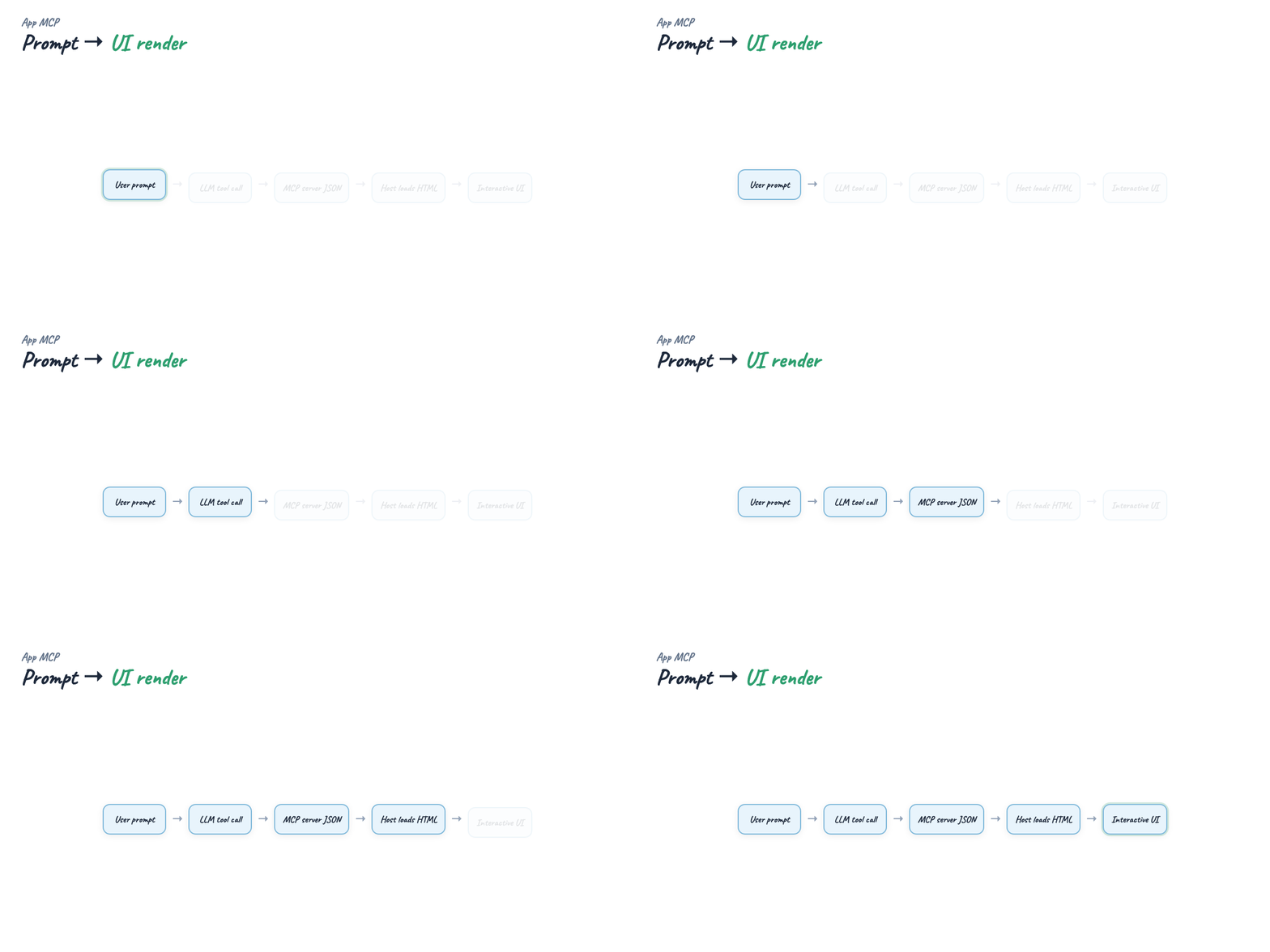
Architecture note from production App MCP servers: one mini-app per visual — separate Vite build, single-file HTML bundle, tool metadata pointing at resourceUri. See Visuals MCP for tables, trees, master-detail layouts.
Install pattern (any server, not only visuals):
VS Code extension installs are the zero-config variant — the extension registers the server for Copilot Chat automatically.
Part 14 — Production checklist
- Scope tools narrowly — least privilege; read-only DB user for read tools
- Validate inputs — the model will hallucinate argument shapes
- Timeout and cancel — long-running tools need progress or abort
- Version your server — bump tool descriptions when behavior changes
- Log on the server — host logs won't show your business errors
- stdio vs remote — stdio for local trust boundary; HTTP for shared team servers with auth
Regenerate visuals
cd guides/mcp-visual-guide/assets
python3 render_mega_gif.py
python3 render_diagrams.py all
python3 render_terminal_gifs.py all
python3 render_blog_poster.py
cd ../../..
./scripts/prepare-docs.sh
Further reading
- Model Context Protocol — specification
- Anthropic — MCP announcement
- MCP Python SDK
- Visuals MCP · @harrybin/visuals-mcp on npm
- Daily Dose of Data — Visual Guide to MCP
Summary
MCP is a client-server protocol between AI hosts and the outside world. Hosts run clients; servers expose tools, resources, and prompts after a capability handshake. Compared to rigid REST contracts, MCP lets agents discover current parameters instead of failing on undeclared fields. Start with a stdio server in Python or TypeScript, wire Cursor or Claude Desktop, inspect with the MCP Inspector, then explore App MCP when markdown isn't enough.