PicoClaw Agent Masterclass — Full Tutorial
Everything you need to install, configure, and deploy PicoClaw — Sipeed's ultra-lightweight Go AI assistant for $10 boards, old phones, and full desktops.
Official docs: docs.picoclaw.io · Download: picoclaw.io · Source: github.com/sipeed/picoclaw
This guide matches our ZeroClaw and OpenClaw format: prose and lists, plus diagram and terminal GIFs at 1200×600.
Media assets (copy for Medium)
| Asset | URL |
|---|---|
| Mega overview | https://ayush7614.github.io/agentic-ai-ecosystem/guides/picoclaw-agent-masterclass/assets/mega-picoclaw-everything.gif |
| Harness stack | https://ayush7614.github.io/agentic-ai-ecosystem/guides/picoclaw-agent-masterclass/assets/diagram-picoclaw-stack.gif |
| Workspace | https://ayush7614.github.io/agentic-ai-ecosystem/guides/picoclaw-agent-masterclass/assets/diagram-workspace-anatomy.gif |
| Channels | https://ayush7614.github.io/agentic-ai-ecosystem/guides/picoclaw-agent-masterclass/assets/diagram-channels-map.gif |
| Blog poster | https://ayush7614.github.io/agentic-ai-ecosystem/guides/picoclaw-agent-masterclass/assets/blog-poster-1200x600.png |
What you'll have at the end
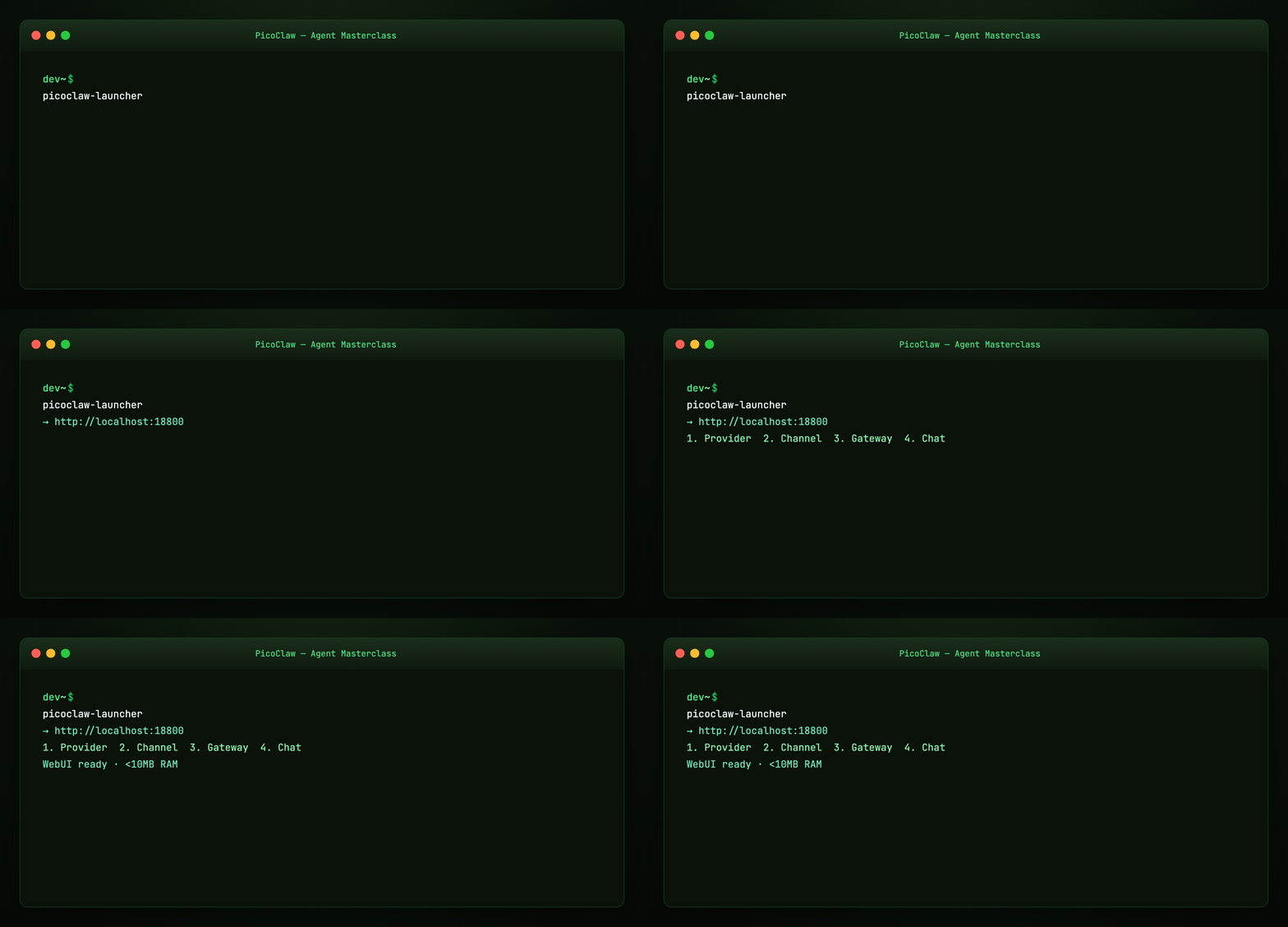
- PicoClaw running via WebUI launcher (
http://localhost:18800) or CLI - LLM provider configured (OpenRouter, Ollama, Zhipu, OpenAI, …)
- Telegram (or another channel) connected through the gateway
- Workspace harness files understood (
AGENTS.md,SOUL.md,USER.md) - Optional MCP, ClawHub skills, web search, and cron jobs
Introduction — AI on $10 hardware
PicoClaw is an independent open-source project by Sipeed, written in Go from scratch — not a fork of OpenClaw, NanoBot, or ZeroClaw. It was AI-bootstrapped: ~95% of core code agent-generated, human-refined.
The numbers from docs.picoclaw.io:
| Metric | PicoClaw | Typical alternatives |
|---|---|---|
| RAM | <10MB core* | OpenClaw >1GB, NanoBot >100MB |
| Boot | <1s on 0.6GHz | OpenClaw >500s, NanoBot >30s |
| Cost | $10 Linux board | Mac mini $599 |
| Binary | Single Go binary | Node/Python stacks |
*Recent builds may use 10–20MB during rapid development; optimization is on the roadmap.

Security notice: Official domains only — picoclaw.io and sipeed.com. No official crypto tokens. Early-stage software — not production-hardened before v1.0.
Part 1 — Architecture
flowchart TB
  UI[picoclaw-launcher WebUI :18800] --> GW[Gateway :18790]
  CH[19+ Channels] --> GW
  GW --> AG[Agent loop Go]
  AG --> ML[model_list providers]
  AG --> TO[tools: web · exec · cron · MCP]
  AG --> WS[~/.picoclaw/workspace]
Components:
- picoclaw-launcher — browser UI for provider, channel, gateway config (Getting Started)
- Gateway — HTTP server for webhooks + channel orchestration (default
127.0.0.1:18790) - Agent — tool loop with SubTurn, Hooks, EventBus (v0.2.4+)
- Workspace — sessions, memory, skills, harness markdown files
.security.yml— API keys separated fromconfig.json(v1+ migration)
Part 2 — Install paths
Recommended: picoclaw.io download
Visit picoclaw.io — auto-detects platform (Linux ARM/x86, macOS, Windows, Android APK).
GitHub releases
wget https://github.com/sipeed/picoclaw/releases/latest/download/picoclaw_Linux_x86_64.tar.gz
tar xzf picoclaw_Linux_x86_64.tar.gz
Build from source (Go 1.25+)
git clone https://github.com/sipeed/picoclaw.git && cd picoclaw
make deps && make build && make build-launcher
Docker
git clone https://github.com/sipeed/picoclaw.git && cd picoclaw
docker compose -f docker/docker-compose.yml --profile launcher up -d
# http://localhost:18800
Part 3 — WebUI quickstart (recommended)
Four steps in the UI:
- Configure Provider — add LLM API key / pick model
- Configure Channel — e.g. Telegram bot token
- Start Gateway
- Chat
Remote/Docker/VM access:
Full WebUI docs: docs.picoclaw.io
Part 4 — CLI path (onboard)
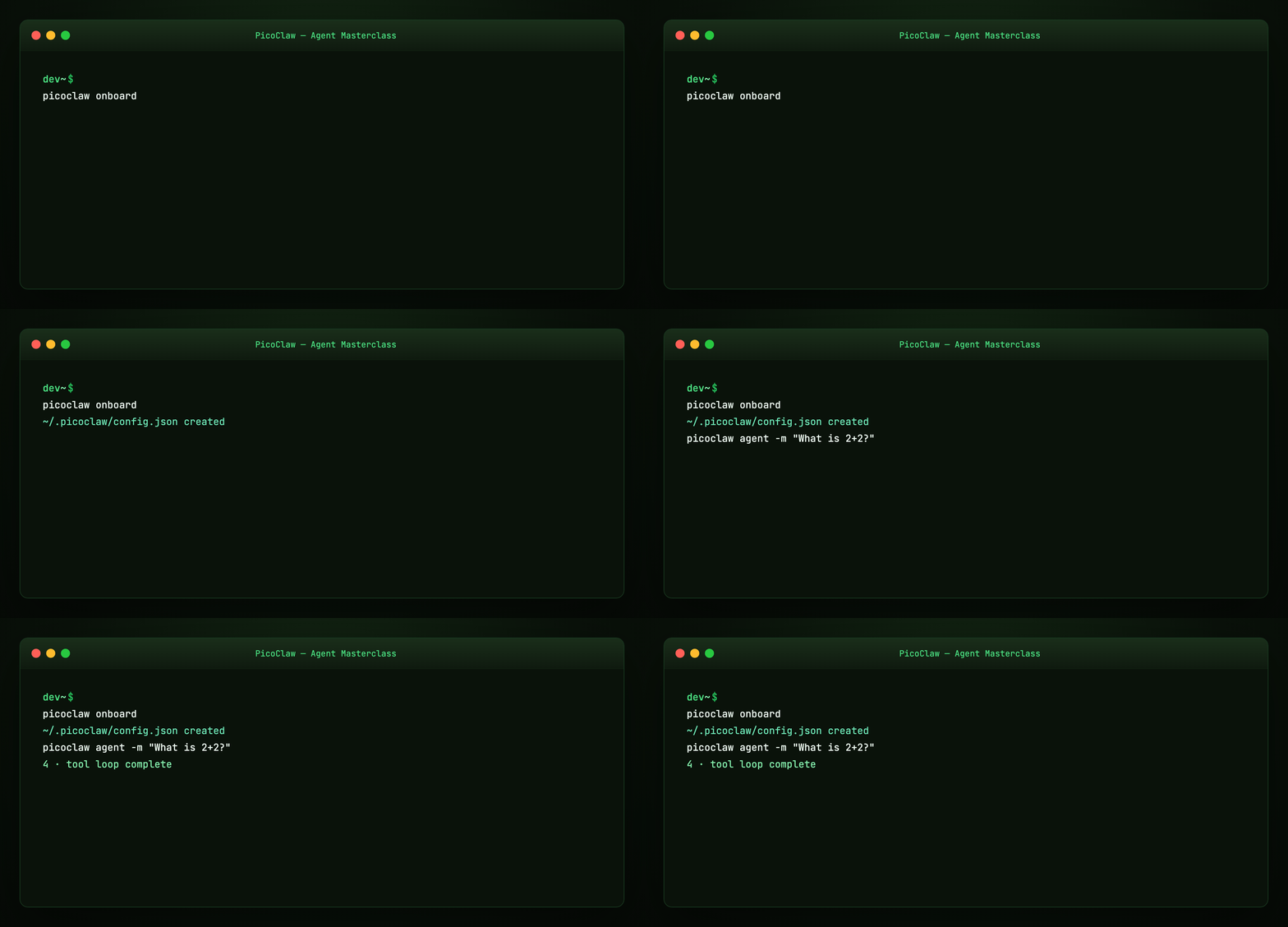
For headless / edge devices without launcher UI:
Creates ~/.picoclaw/config.json and workspace.
Example config: examples/config.minimal.json
Part 5 — Configuration (config.json v2)
Config file: ~/.picoclaw/config.json — schema version 2 (Configuration Overview).
| Section | Purpose |
|---|---|
version |
Schema (current: 2) |
agents.defaults |
Default model, workspace, limits |
model_list |
LLM providers (protocol/model format) |
channels |
Telegram, Discord, Slack, … |
tools |
Web search, exec, cron, skills, MCP |
bindings |
Route messages to specific agents |
gateway |
Host, port, log level |
heartbeat |
Periodic tasks (every 30 min checks HEARTBEAT.md) |
Secrets go in .security.yml, not config.json — share config safely, keep keys in .gitignore.
Environment overrides: PICOCLAW_HOME, PICOCLAW_CONFIG, PICOCLAW_AGENTS_DEFAULTS_MODEL_NAME, etc.
Part 6 — Providers (30+ LLMs)
Use protocol/model in model_list:
{
  "model_list": [
    {
      "model_name": "gpt-main",
      "model": "openai/gpt-5.4"
    },
    {
      "model_name": "local-llama",
      "model": "ollama/llama3.1:8b",
      "api_base": "http://localhost:11434/v1"
    }
  ],
  "agents": {
    "defaults": { "model_name": "gpt-main" }
  }
}
Supported families (abbreviated): OpenAI, Anthropic, Gemini, OpenRouter, Zhipu, DeepSeek, Qwen, Groq, Ollama, vLLM, LiteLLM, GitHub Copilot OAuth, AWS Bedrock, Azure, and more — see upstream provider table.
Free-tier starting points (Getting Started API comparison):
| Service | Free tier |
|---|---|
| OpenRouter | 200K tokens/month |
| Brave Search | 2000 queries/month |
| Tavily | 1000 queries/month |
| Groq / Cerebras | Free inference tiers |
Part 7 — Workspace harness files
Default workspace: ~/.picoclaw/workspace/
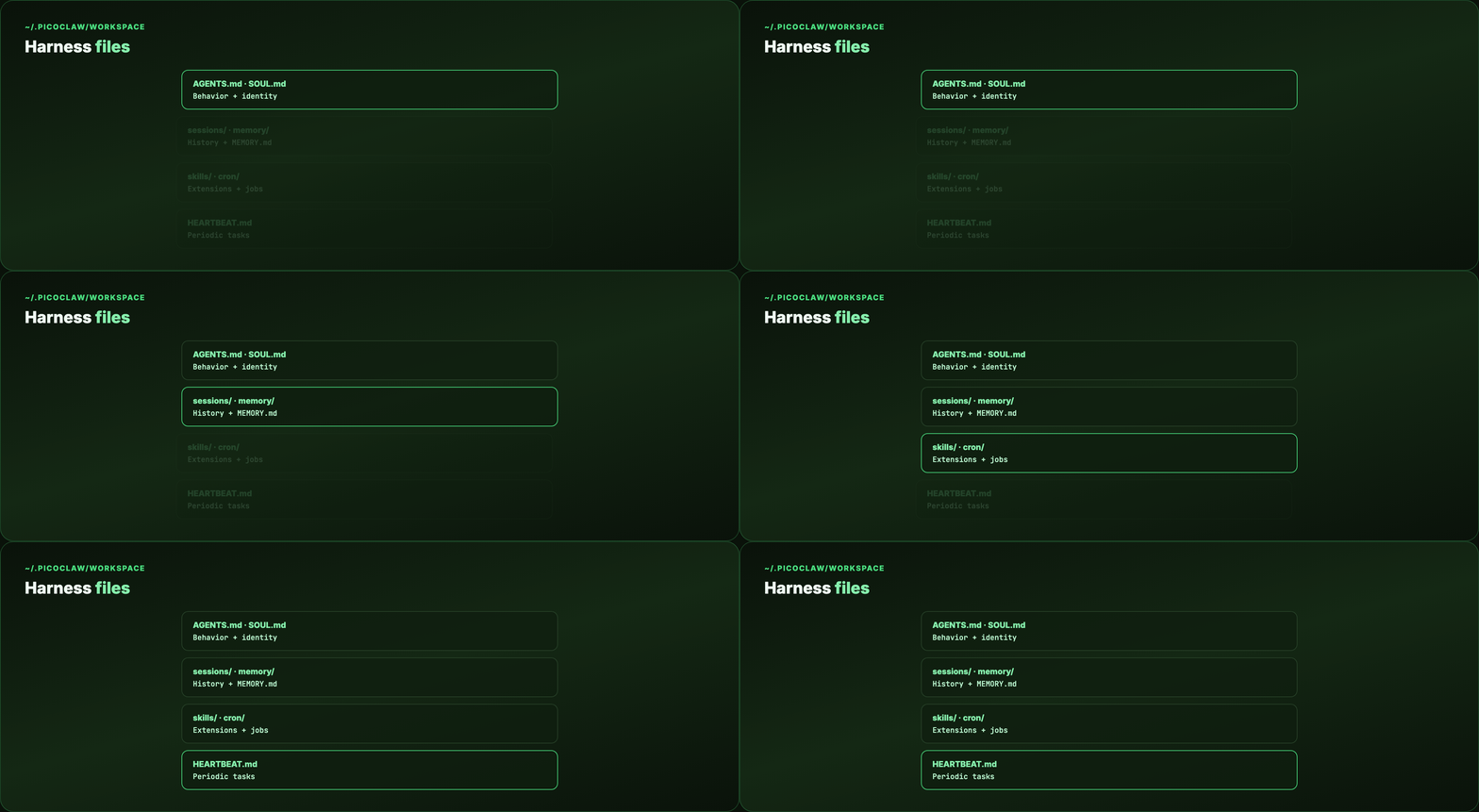
~/.picoclaw/workspace/
├── sessions/       # conversation history
├── memory/         # long-term MEMORY.md
├── cron/           # scheduled jobs DB
├── skills/         # custom SKILL.md files
├── AGENTS.md       # behavior guide
├── SOUL.md         # agent identity
├── USER.md         # user preferences
├── TOOLS.md        # tool descriptions
└── HEARTBEAT.md    # periodic task prompts
Same harness primitives as Harness Engineering — map-not-encyclopedia instructions on disk.
Part 8 — Channels (19+ chat apps)
Talk to PicoClaw on the apps you already use:

| Channel | Difficulty | Notes |
|---|---|---|
| Telegram | Easy | Bot token, long polling |
| Discord | Easy | Bot token + intents |
| Easy | QR or bridge | |
| Slack | Easy | Socket Mode |
| QQ, LINE, WeCom, Feishu, DingTalk | Medium | Popular in Asia |
| Matrix, IRC, MQTT | Medium | Self-hosted friendly |
Telegram example: examples/channel.telegram.json
Troubleshooting: Only one picoclaw gateway instance — "Conflict: terminated by other getUpdates" means a duplicate bot poller.
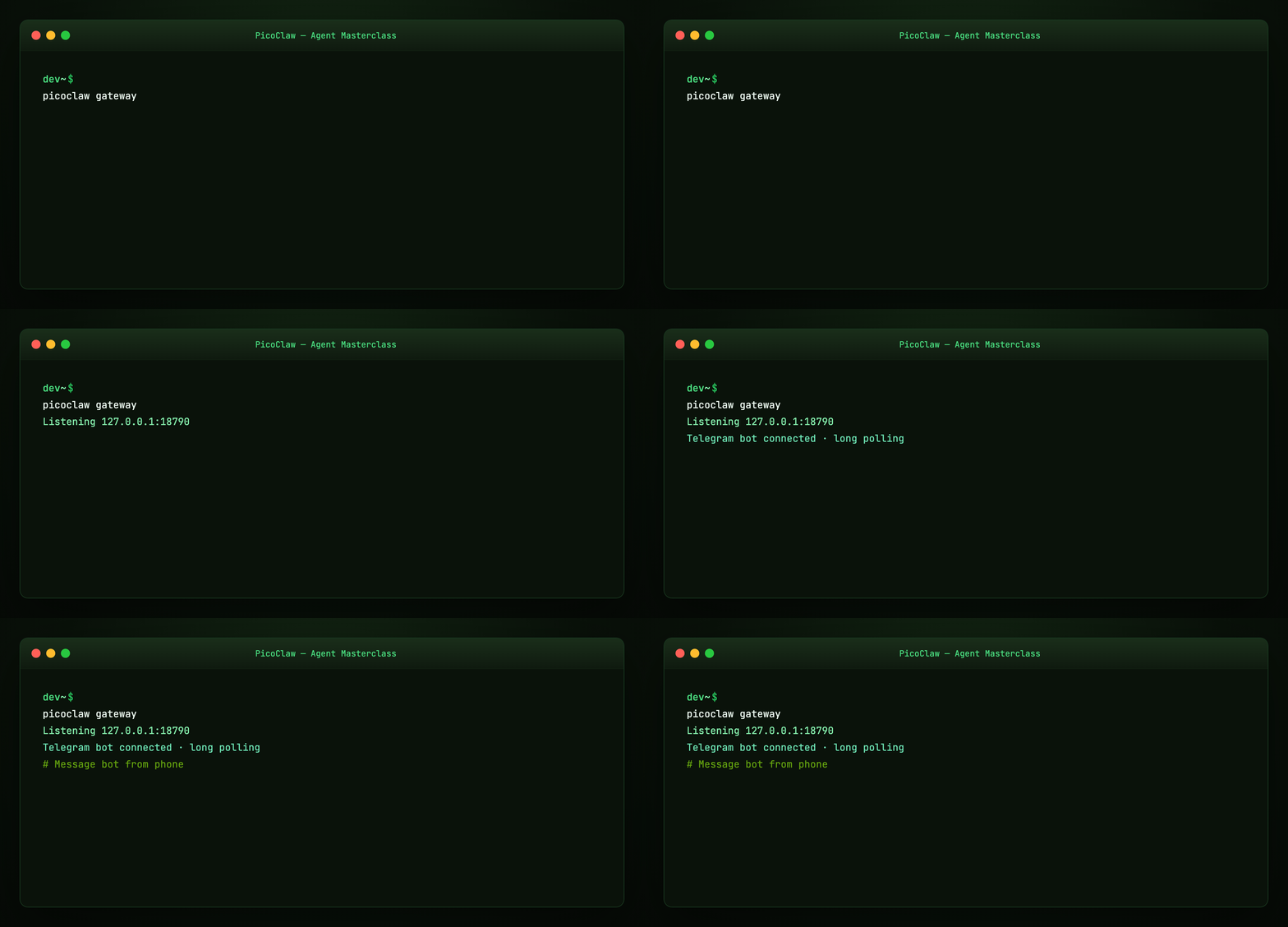
Gateway default: 127.0.0.1:18790. Webhook channels share one HTTP server.
Part 9 — Web search
Enable in tools.web — strongly recommended for real-world tasks (Getting Started).
| Engine | API key | Notes |
|---|---|---|
| DuckDuckGo | No | Built-in fallback |
| Brave | Yes | 2000 free/month |
| Tavily | Yes | AI-agent optimized |
| Baidu | Yes | China content |
| SearXNG | Self-host | Metasearch |
Without search configured, you'll see "API key configuration issue" — expected until you add a key or use DuckDuckGo fallback.
Part 10 — MCP (Model Context Protocol)
Native MCP support — extend tools without forking core:
{
  "tools": {
    "mcp": {
      "enabled": true,
      "servers": {
        "filesystem": {
          "enabled": true,
          "command": "npx",
          "args": ["-y", "@modelcontextprotocol/server-filesystem", "/tmp"]
        }
      }
    }
  }
}
CLI management:
picoclaw mcp add filesystem -- npx -y @modelcontextprotocol/server-filesystem /tmp
picoclaw mcp list
picoclaw mcp test filesystem
See examples/mcp.example.json and our MCP Visual Guide.
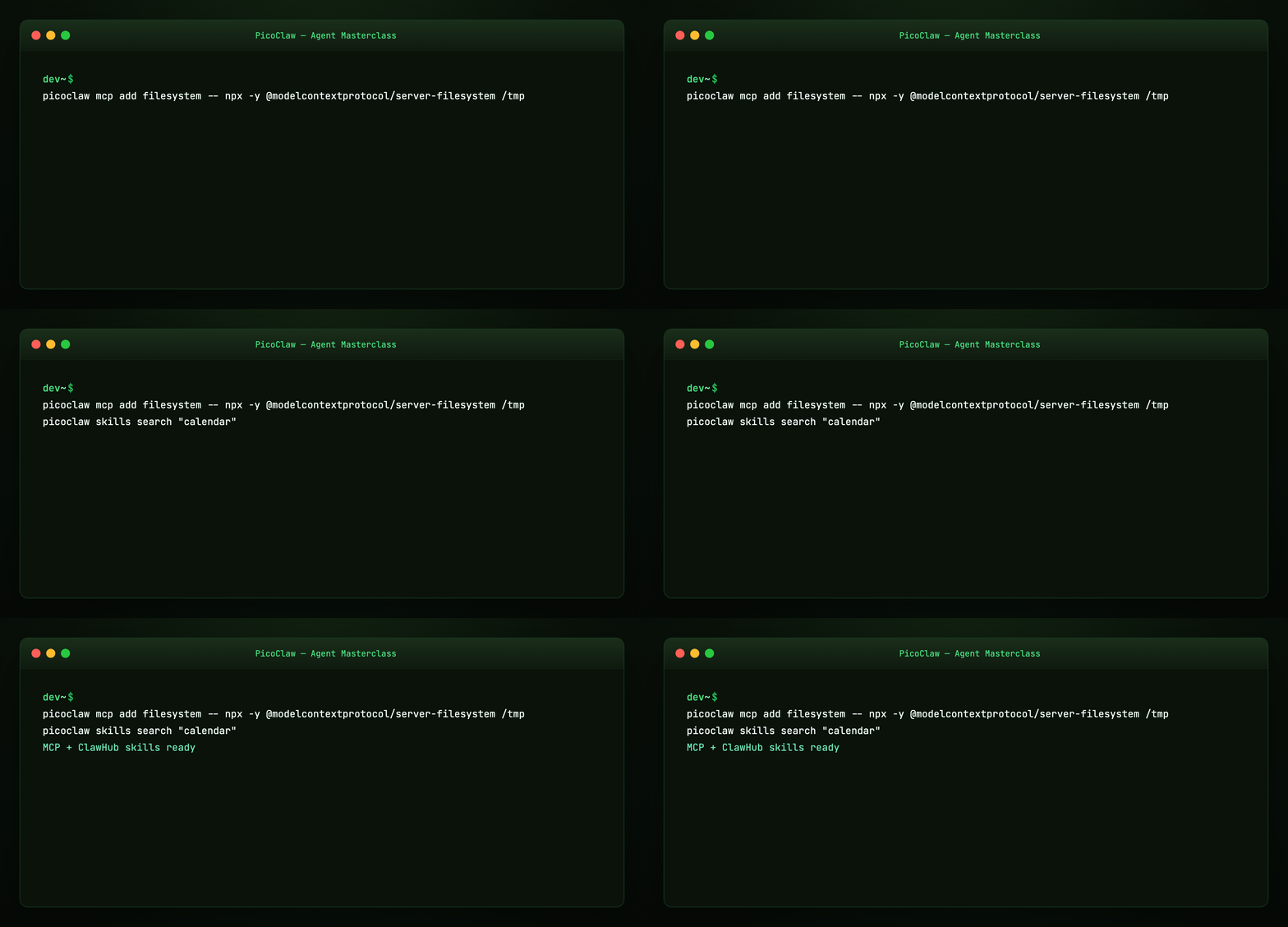
Web UI also supports MCP server management (v0.2.9+).
Part 11 — Skills (ClawHub)
Skills load from SKILL.md in workspace:
Configure registries in tools.skills.registries (ClawHub, GitHub). Progressive capability extension — same pattern as OpenClaw skills and OpenCode Agent Skills.
Part 12 — Cron and heartbeat
Cron tool — natural language scheduling:
- "Remind me in 10 minutes"
- "Remind me every 2 hours"
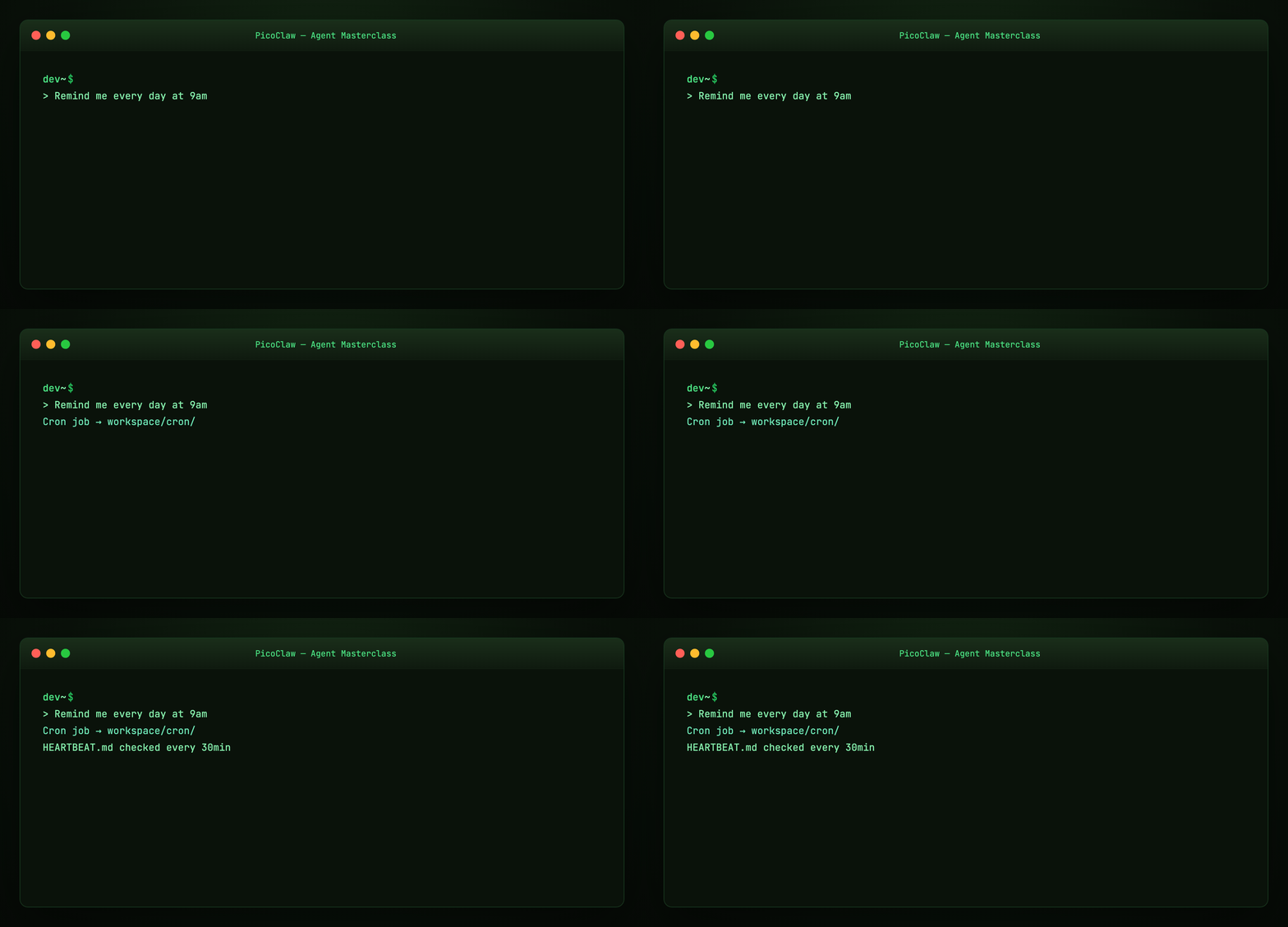
- "Remind me at 9am daily"
Jobs stored in ~/.picoclaw/workspace/cron/.
Heartbeat — checks HEARTBEAT.md every ~30 minutes for periodic autonomous tasks. Configure in config.json → heartbeat section.
Part 13 — Vision pipeline
Send images and files to the agent — automatic base64 encoding for multimodal LLMs. Useful on MaixCam deployments and desktop chat.
Part 14 — Smart model routing
Rule-based routing sends simple queries to cheap/local models, complex ones to stronger APIs — saves cost on edge hardware with intermittent cloud access.
Configure via bindings and agent defaults in Configuration.
Part 15 — Edge and Android deployment
Hardware targets:
- LicheeRV-Nano (~$10) — RISC-V home assistant
- Raspberry Pi Zero 2 W —
make build-linux-armorarm64 - MaixCAM / NanoKVM — camera and server ops
- Android — APK from picoclaw.io/download or Termux
PicoClaw's pitch: give a decade-old phone a second life as your AI assistant.
Part 16 — PicoClaw vs OpenClaw vs ZeroClaw
| PicoClaw | OpenClaw | ZeroClaw | |
|---|---|---|---|
| Language | Go | TypeScript | Rust |
| RAM | ~10MB | >1GB | Small binary |
| Focus | Edge / $10 HW | Full desktop assistant | Security-first runtime |
| UI | WebUI launcher | Control UI + nodes | Gateway dashboard |
PicoClaw wins when RAM and boot time matter. OpenClaw/ZeroClaw win when you need maximum channel depth and desktop integration on a full machine.
See OpenClaw masterclass · ZeroClaw masterclass.
Part 17 — Troubleshooting
| Symptom | Fix |
|---|---|
| Web search API error | Add Brave/Tavily key or use DuckDuckGo |
| Telegram conflict | Stop duplicate picoclaw gateway |
| macOS blocked launcher | System Settings → Privacy → Open Anyway |
| Content filtering (Zhipu) | Rephrase or switch model |
| High RAM vs advertised | Recent PR merges; optimization planned |
Docs: Getting Started troubleshooting
Part 18 — Hands-on checklist
# Desktop path
picoclaw-launcher
# WebUI: Provider → Channel → Gateway → Chat

# CLI path
picoclaw onboard
picoclaw agent -m "Summarize this project's README"
picoclaw gateway

# Extras
picoclaw mcp list
picoclaw skills search "calendar"
Regenerate visuals
cd guides/picoclaw-agent-masterclass/assets
python3 render_gifs.py all
python3 render_blog_poster.py
cd ../../..
./scripts/prepare-docs.sh
Further reading
Summary
PicoClaw proves agent harnesses don't need gigabytes of RAM. A Go binary, a WebUI launcher, 30+ providers, 19+ channels, MCP, skills, and workspace harness files — all runnable on hardware that costs less than lunch.
Download from picoclaw.io, configure in the browser, start the gateway, and chat from Telegram. The model is swappable. The edge-native harness is the product.